

USB-C has become the common connector on modern smartphones, but the identical-looking port can hide dramatically different capabilities. Two phones can both have USB-C and still differ in file-transfer speed, external-display support, charging behavior and accessory compatibility. That makes the connector one of the most misunderstood parts of a modern phone specification sheet.
For buyers in 2026, the important question is no longer simply “Does this phone have USB-C?” It is what does that USB-C port actually support? The answer depends on the USB data standard, USB Power Delivery implementation, DisplayPort Alt Mode support and the cable or accessory being used.
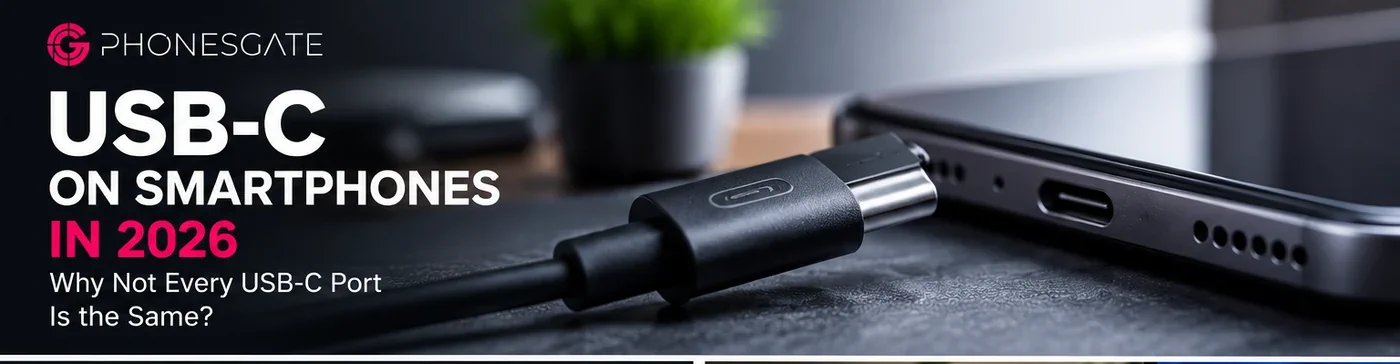
USB-C is a connector, not a performance guarantee
The easiest mistake is to treat “USB-C” as a speed rating. It is not. USB Type-C primarily describes the reversible physical connector. Manufacturers can implement different USB generations behind it, meaning one USB-C phone may operate at legacy USB 2.0 data rates while another can support multi-gigabit transfers.
Key takeaway
USB-C is now common across iPhone and Android, but identical connectors can hide major differences in data speed, charging, display output and cable requirements.
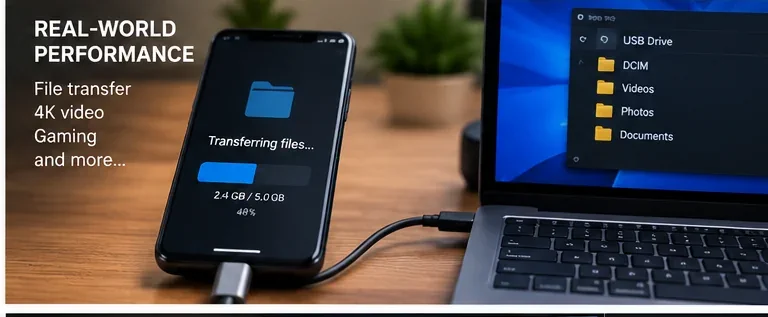
This matters most when moving large photo libraries, RAW images, 4K or 8K video, device backups and other large files. A user who mostly charges a phone and occasionally transfers a few photos may barely notice the difference. A creator moving tens or hundreds of gigabytes can notice it immediately.
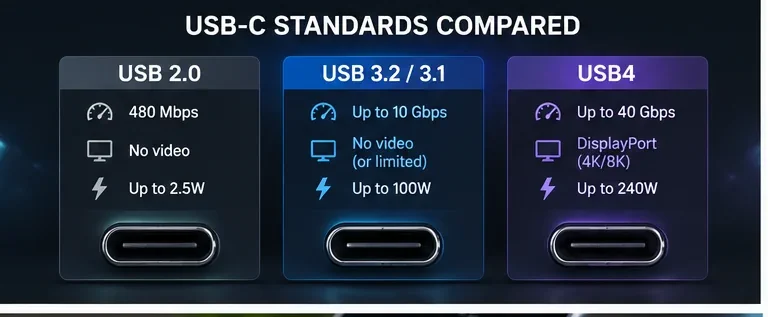
USB 2.0 versus faster USB implementations
USB 2.0 has a theoretical signaling rate of 480 Mbps. Newer USB 3.x implementations can move into multi-gigabit territory, while USB4 can go substantially further when both devices and cables support the required mode. The theoretical number is not the same as real-world transfer speed, but the difference between generations can still be enormous.
5 min read
iPhone coverage from PhonesGate. Published Aug 17, 2026.
Storage performance also matters. A fast USB interface cannot make slow internal storage, a slow external SSD or an inadequate cable perform beyond its own limits. The complete transfer chain is only as fast as its weakest component.
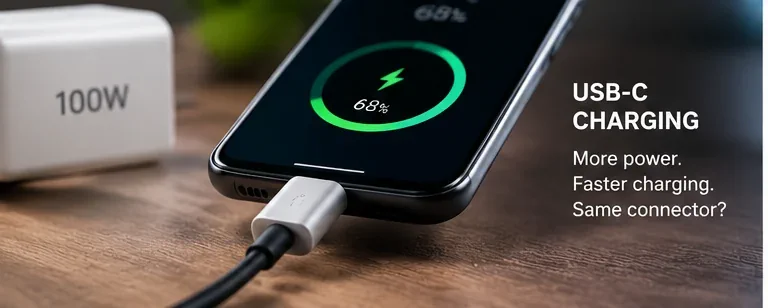
Charging speed is a separate specification
A USB-C connector also does not tell you how quickly a phone will charge. Charging depends on the power profiles supported by the phone, charger and cable. USB Power Delivery and USB PD PPS are widely used standards, while some manufacturers also use proprietary fast-charging systems that require specific chargers or cables to reach their maximum advertised power.
That is why plugging a high-wattage laptop charger into a phone does not automatically force the phone to accept that wattage. Compatible USB power systems negotiate an appropriate profile. The phone controls what it is prepared to receive, and charging power normally changes dynamically as temperature and battery level change.
Video output is another capability that cannot be assumed
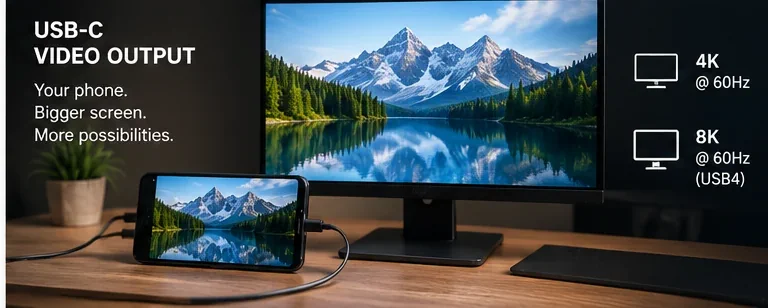
Some smartphones can connect directly to a monitor, television or dock through USB-C, while others cannot output a wired display signal at all. On compatible hardware, DisplayPort Alt Mode can carry video through the USB-C connector. Desktop-style interfaces and external-display workflows make this particularly useful for productivity, presentations and gaming.
Again, the presence of USB-C alone is not enough. The smartphone must support video output, and the cable, hub or adapter must support the required mode. A cable designed only for charging can look virtually identical to one capable of high-speed data and display output.
Why iPhone and Android users should check the exact specification
Modern iPhones and Android phones increasingly share the same physical USB-C connector, but that does not make their ports technically identical. Capabilities can differ not only between brands, but also between the standard and Pro versions of the same product family.
Before buying a phone for a professional workflow, check the manufacturer’s technical specifications for the actual USB generation, supported transfer rate, wired video-output capability and charging standard. If the manufacturer only lists “USB Type-C” without further detail, that description is not enough to establish the port’s full performance.
The cable matters more than most people think
USB-C cables are another source of confusion. Some are optimized mainly for charging, some support relatively modest data rates, and others are built for high-speed data, display output and higher USB Power Delivery levels. Visually, they can be difficult to distinguish.
For external SSDs, docks and monitors, use a cable explicitly rated for the required data and video capability. For high-power charging, use a cable rated for the intended power level. A cheap or underspecified cable can reduce performance even when the phone and charger themselves are capable of more.
What to check before buying your next phone
PhonesGate recommends checking four separate items instead of relying on the USB-C label: data-transfer standard, charging protocol and maximum supported power, wired display output, and cable requirements. Those four details provide a much clearer picture of what the port can actually do.
For casual users, a basic implementation may be perfectly adequate. For photographers, videographers, mobile gamers and users who connect external storage or displays, the USB implementation can become a meaningful part of the buying decision.
PhonesGate verdict
USB-C has successfully standardized the shape of the smartphone connector, but it has not standardized every capability behind it. That distinction is increasingly important as phones become cameras, gaming machines and portable workstations. A USB-C logo on a specification sheet should therefore be the beginning of the question, not the end of it.
When comparing new smartphones, look beyond the port itself. A faster data interface, proper display support and well-implemented charging can make the same familiar USB-C connector far more useful over the lifetime of the device.