
Three powerful tablets can solve three very different problems. Apple's 13-inch iPad Air (M4), Samsung's Galaxy Tab S11 Ultra and HONOR's MagicPad4 all offer premium hardware, but choosing by processor speed or screen size alone obscures their biggest differences. The important questions are whether you need professional iPad apps, a large multitasking desktop or an exceptionally thin OLED tablet for mixed work and entertainment.
Updated September 25, 2026. This is a research-based editorial buying guide, not a hands-on review. We checked primary manufacturer announcements and specifications and have not independently measured battery life, brightness, thermal performance or display accuracy. The visuals in this article are AI-generated product representations—not original product photography or evidence of physical testing.
The important specifications, side by side
Specification iPad Air 13 (M4) Galaxy Tab S11 Ultra HONOR MagicPad4 Display 13-inch Liquid Retina IPS LCD, 2732 × 2048, 600 nits 14.6-inch Dynamic AMOLED 2X, 2960 × 1848, 120Hz, up to 1,600 nits peak 12.3-inch OLED, up to 165Hz and 2,400 nits peak (manufacturer claims) Processor Apple M4, 8-core CPU / 9-core GPU MediaTek Dimensity 9400+ Snapdragon 8 Gen 5 Base memory/storage 12GB unified memory / 128GB 12GB / 256GB Varies by market; check local configuration Pen and keyboard Apple Pencil Pro / optional Magic Keyboard S Pen included / optional keyboard cover Magic-Pencil 4s / optional keyboard Weight and thickness 616g, 6.1mm (Wi-Fi) 692g, 5.1mm (Wi-Fi) Approx. 450g, 4.8mm (manufacturer figures) Battery Apple rates up to 10 hours of Wi-Fi web/video use 11,600mAh; 45W wired 10,100mAh typical; 66W wired US launch price From $799, 13-inch Wi-Fi From $1,199.99 No verified comparable US MSRP
Key takeaway
A research-based comparison of the 2026 iPad Air 13 (M4), Galaxy Tab S11 Ultra and HONOR MagicPad4, with manufacturer-sourced specifications, accessory costs and buyer guidance.
Display brightness figures are obtained under different manufacturers' test protocols; peak brightness is not a uniform measure of full-screen outdoor visibility. Battery capacities cannot by themselves predict endurance across iPadOS and Android.
1. iPad Air 13 (M4): the creative and application-focused option
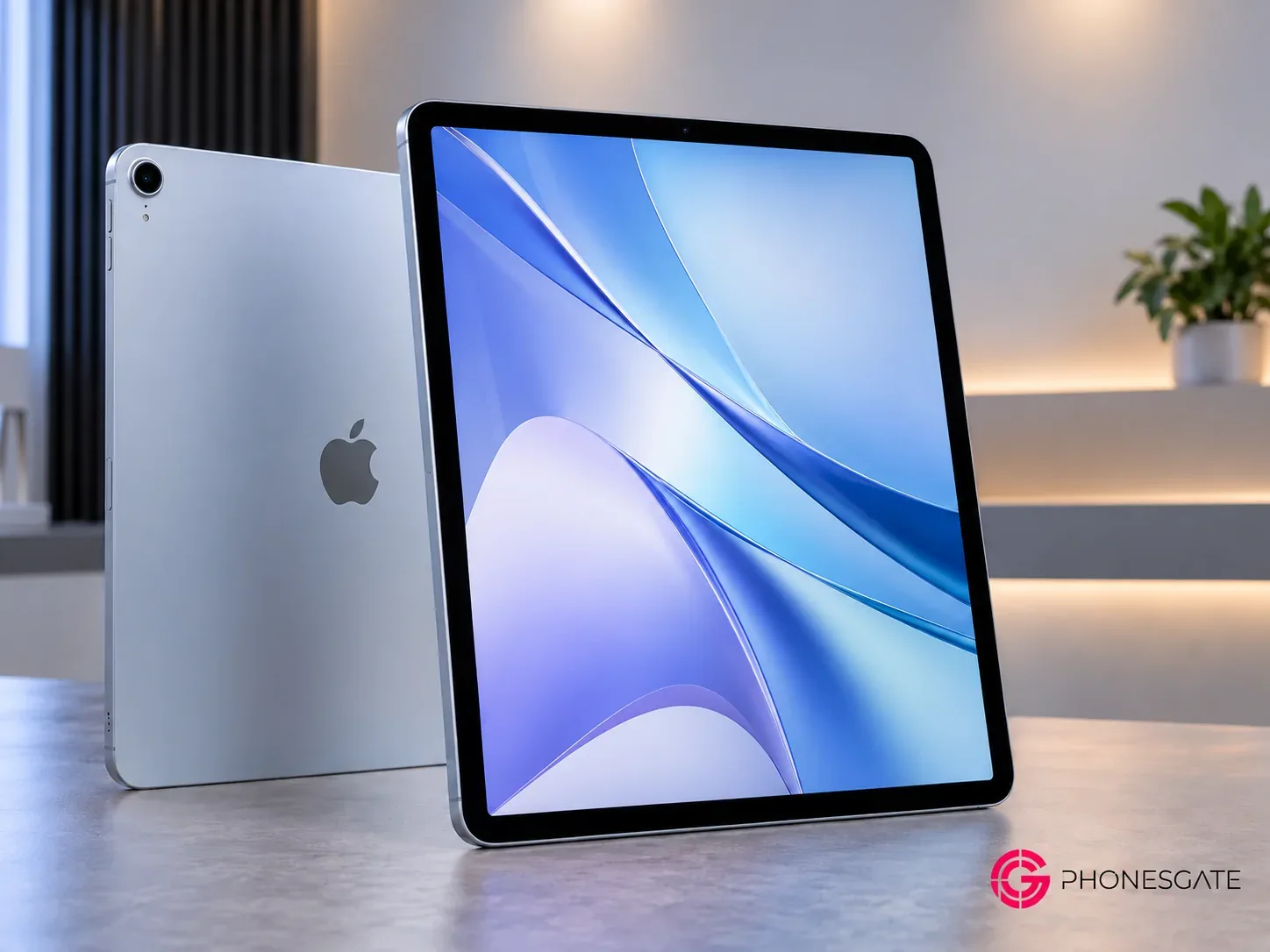
The 2026 iPad Air puts an M4 chip, 12GB of unified memory and Wi-Fi 7 into a 13-inch body that starts at $799 for the Wi-Fi version in the United States. The display is a fully laminated 2732 × 2048 Liquid Retina IPS panel rated at 600 nits. That is a large workspace, but it is worth noting that it is an LCD rather than the OLED technology used by the other two tablets in this comparison. Apple does not position this Air as a high-refresh ProMotion tablet.
8 min read
Galaxy coverage from PhonesGate. Published Sep 26, 2026.
Its case rests on software as much as hardware. Apple Pencil Pro, Final Cut Pro for iPad, Pixelmator Pro and a mature selection of drawing and music apps give creators a well-developed workflow. The 13-inch 4:3-style canvas offers more vertical space for document pages than a wider 16:10-style tablet at a similar diagonal. On the other hand, the non-OLED panel and accessory prices matter if you primarily watch movies or want a keyboard-plus-pencil setup.
What the M4 upgrade changes
Apple says the M4 model can perform up to 30% faster than the M3 iPad Air in its internal testing. That is a vendor claim, not a PhonesGate benchmark; your actual gain depends on workload, memory pressure and app optimization. For buyers moving from older iPads, the combination of 12GB RAM and modern windowing under iPadOS 26 may matter more than synthetic CPU results.
In the US, the optional 13-inch Magic Keyboard costs $319 and Pencil Pro costs $129 at Apple's published launch prices. That brings a $799 base tablet to $1,247 before tax with both accessories. Buyers should compare that total with a lightweight laptop rather than evaluating the tablet alone. Cellular models and higher storage tiers cost more.
See the iPad Air 13 (2026) specifications on PhonesGate and Apple's March 2026 announcement and pricing.
2. Galaxy Tab S11 Ultra: the large-screen multitasking workstation
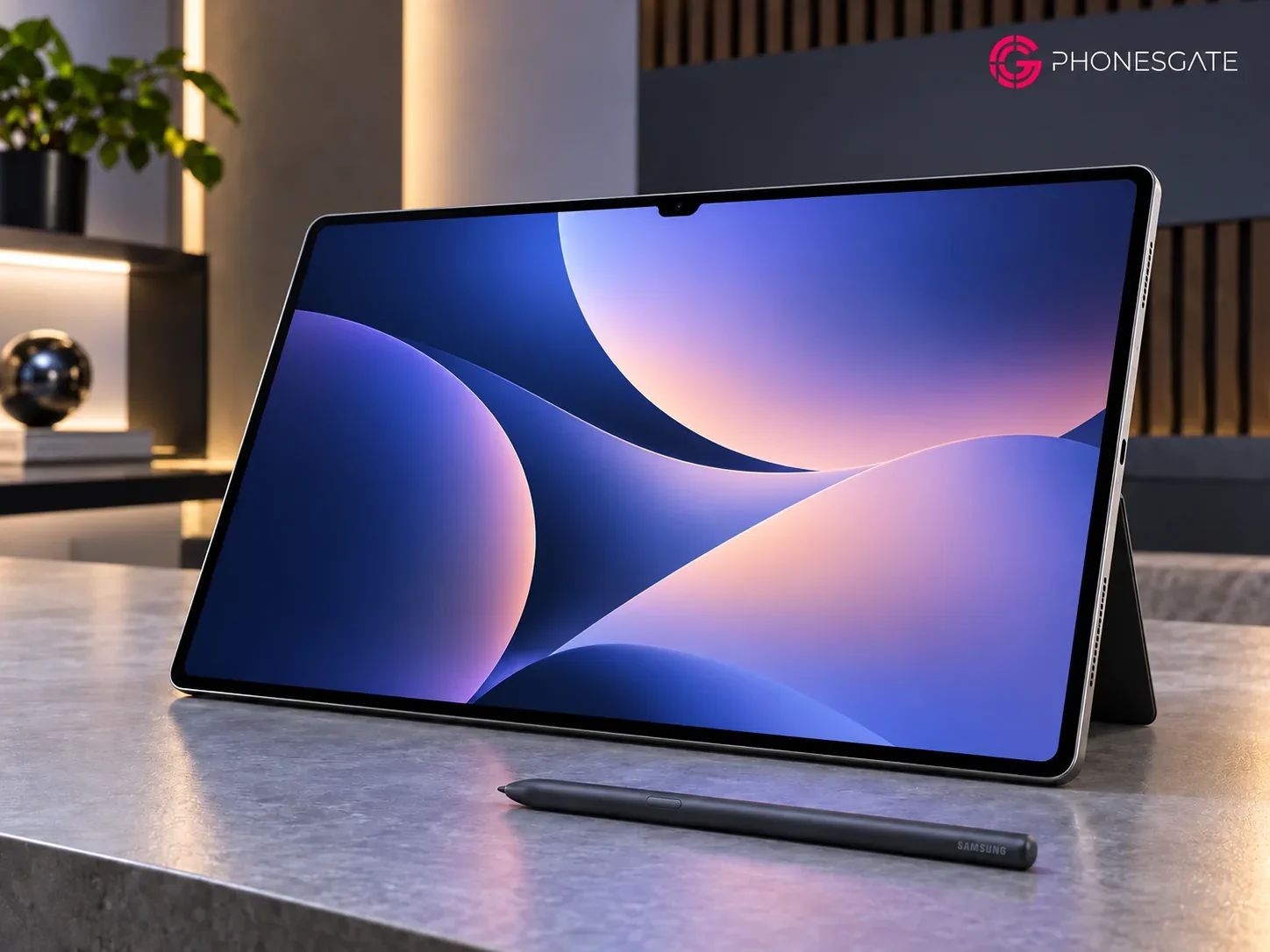
Samsung's 14.6-inch Galaxy Tab S11 Ultra is the largest screen in this group, with a 120Hz Dynamic AMOLED 2X display, anti-reflection treatment and a peak brightness claim of 1,600 nits. A 5.1mm chassis is impressively thin, but its approximately 692g Wi-Fi weight and large footprint make a stable desk or lap setup more practical than prolonged one-handed use.
DeX is its defining workflow advantage. Samsung's Extended Mode can use the tablet and an external monitor as separate work surfaces, with up to four customizable workspaces. For someone who needs a browser, PDF, email and video meeting open during the same workday, that interface may be more relevant than a small processing-speed difference. Actual desktop-app compatibility is still determined by Android apps and web services; DeX does not make every Windows or macOS application available.
Included stylus, expandable storage and travel trade-offs
The redesigned S Pen is included, unlike Apple's optional Pencil Pro. Samsung specifies the Dimensity 9400+, 12GB RAM on 256/512GB versions, microSD expansion up to 2TB and an 11,600mAh battery with 45W wired charging. The 45W charger and compatible cable are separate purchases. The IP68-rated tablet and pen are attractive if you regularly work away from a desk, though water resistance is tested under defined freshwater conditions and can diminish over time.
Samsung's US launch price started at $1,199.99, a substantial premium over the entry iPad Air. The price may make sense for someone who will actually use DeX, the supplied pen and the expansive display; it is harder to justify if the tablet will mainly stream a few shows. Market prices and promotions can change this calculation.
3. HONOR MagicPad4: the light, high-refresh OLED alternative
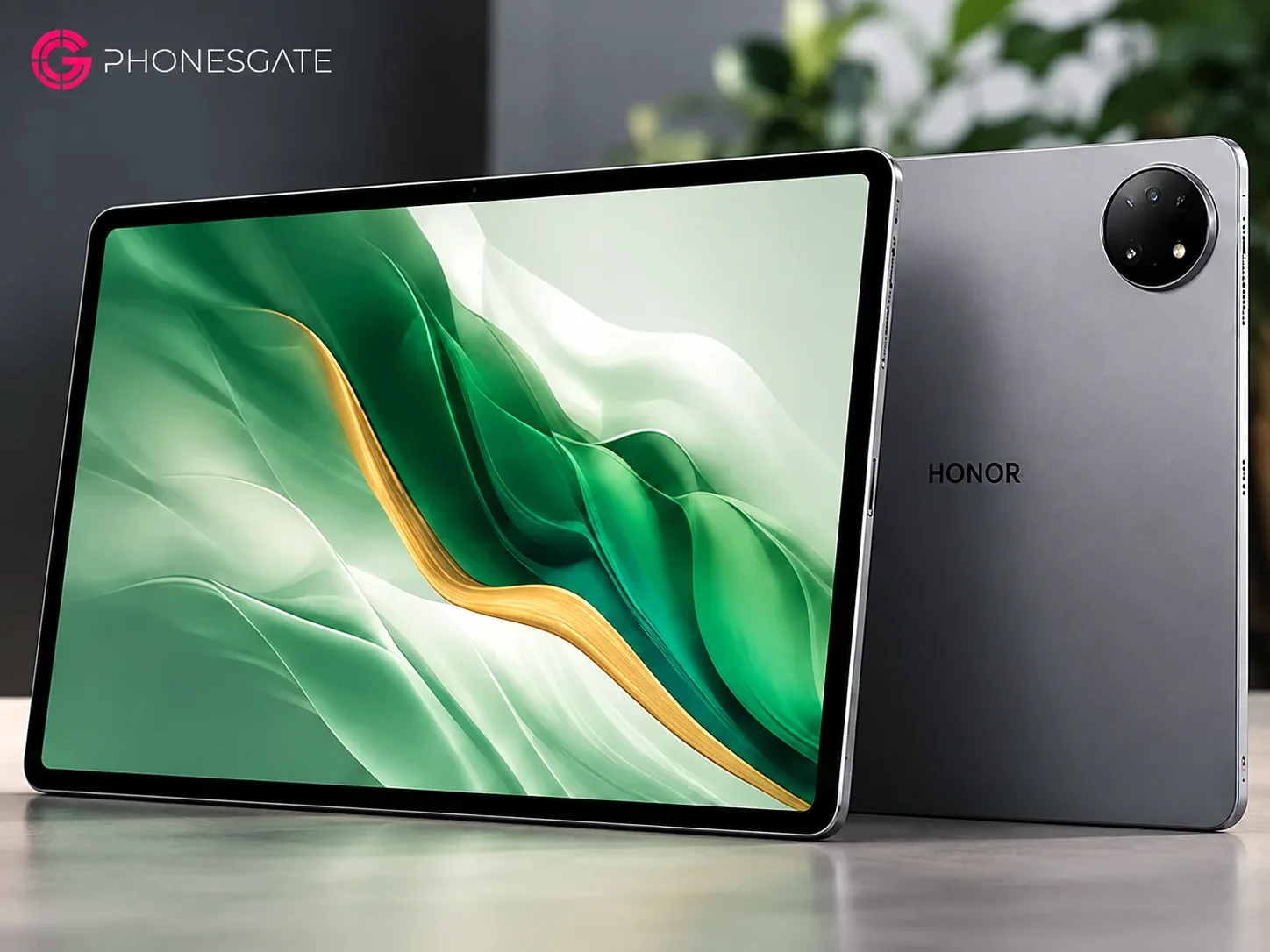
HONOR takes a third approach: a 12.3-inch OLED display with an advertised maximum 165Hz refresh rate inside a 4.8mm chassis weighing approximately 450g. The Snapdragon 8 Gen 5 and 10,100mAh typical battery suggest a tablet built for more than video playback, while its size and weight make it more portable than Samsung's Ultra. HONOR quotes 2,400 nits peak brightness; it does not imply that the entire display can maintain that level during prolonged outdoor use.
The less obvious attraction is flexibility. HONOR promotes PC-style interaction, cross-brand file sharing and an optional keyboard and Magic-Pencil 4s. Its eight-speaker arrangement may also be useful for films and music, although loudness and sound quality require independent listening tests. A high maximum refresh rate can feel smoother in supported interfaces and games, but only apps and games that actually reach those frame rates benefit.
Check pricing and regional software before choosing
HONOR advertises 66W wired charging and a large battery despite the slim design. A thin body, however, does not establish real-world performance under continuous gaming or video export: cooling, room temperature and software power management still matter. Regional availability, storage configurations, bundled accessories and support commitments also require checking against the exact country of purchase. We have not verified a standardized US launch price, so this guide does not invent a global USD figure.
See HONOR MagicPad4 specifications on PhonesGate and HONOR's official feature and specification overview.
Which differences matter in real use?
Workload What to prioritize Practical consideration Illustration and professional iPad apps iPad Air 13 Confirm your drawing/video apps support iPadOS; include Pencil cost in budget. Multiple windows and an external display Galaxy Tab S11 Ultra Evaluate DeX with your exact apps; account for the larger size and keyboard cost.
Portable movies, notes and high-refresh gaming HONOR MagicPad4 Check game refresh-rate support and regional service/accessory availability. Long-form reading Display shape, weight and glare Apple offers a taller reading canvas; HONOR is lighter; Samsung provides more total display area.
Travel charging Measured runtime, charger size and standby drain Do not equate mAh across different processors, operating systems and display sizes.
Our buying framework: avoid paying for features you will not use
If you already own an iPhone or Mac and rely on specialist creative apps, the iPad Air's software ecosystem and Apple Pencil support deserve close attention. If you are choosing a tablet as a secondary workstation, Samsung's larger display, included pen and DeX workspaces create a different kind of value. If your priorities are lower weight, a fast OLED panel and flexible entertainment, HONOR deserves a place on your shortlist—but compare locally available software support, accessories and final retail pricing before ordering.
For any of the three, make a short list of the five applications you cannot work without, check keyboard layout and pen compatibility, and calculate the tablet-plus-accessories price. A tablet that performs beautifully on paper is still the wrong purchase if your workflow depends on an unsupported desktop tool.
Frequently asked questions
Does a higher display refresh rate improve every game?
No. A 165Hz-capable display cannot create frames that a game, chipset or software frame-rate cap does not deliver. Most video content is also produced at much lower frame rates.
Can the Tab S11 Ultra replace a laptop?
It can handle many web, messaging, document and multitasking workflows with DeX and a keyboard, but operating-system-specific applications and professional peripherals should be verified individually.
Which tablet has the longest battery life?
The published capacities and vendor endurance figures use different methods and do not support a reliable cross-platform winner without controlled side-by-side testing.
Conclusion
These tablets make more sense as tools for different jobs than as a single simplistic ranking. Apple has a compelling creative app and ecosystem proposition, Samsung builds the largest workspace with a serious desktop-style interface, and HONOR targets lighter weight and a fast OLED experience. The purchase decision should follow the apps you use, the accessories you need and the price you can actually obtain in your market.
Editorial transparency: Prepared by the PhonesGate Editorial Team on September 25, 2026 from the primary manufacturer information linked above. No hands-on testing, original device photography or independent battery benchmarks were performed. All article images are AI-generated editorial illustrations styled around PhonesGate branding, and product finishes or screen imagery may not match physical retail units. This article contains no sponsored placements.