

Switching from iPhone to Android should be easier than ever. Modern Android phones offer excellent cameras, premium displays, advanced AI features, magnetic accessories, strong security and years of software support. Yet many iPhone users still hesitate—even when they admit that devices such as the latest Pixel models look genuinely impressive.
The reason is not always hardware. It is habit, familiarity and the invisible cost of changing ecosystems.
This PhonesGate editorial explores why users remain loyal to iPhone even when competing Android phones match many of Apple's best features. It also explains how Google is trying to reduce switching friction through familiar apps, magnetic charging, RCS messaging and a more consumer-friendly Pixel experience.
Key takeaway
PhonesGate explains why switching from iPhone to Android is technically easier than ever, how Google is reducing ecosystem barriers, and why habit still keeps many users on iPhone.
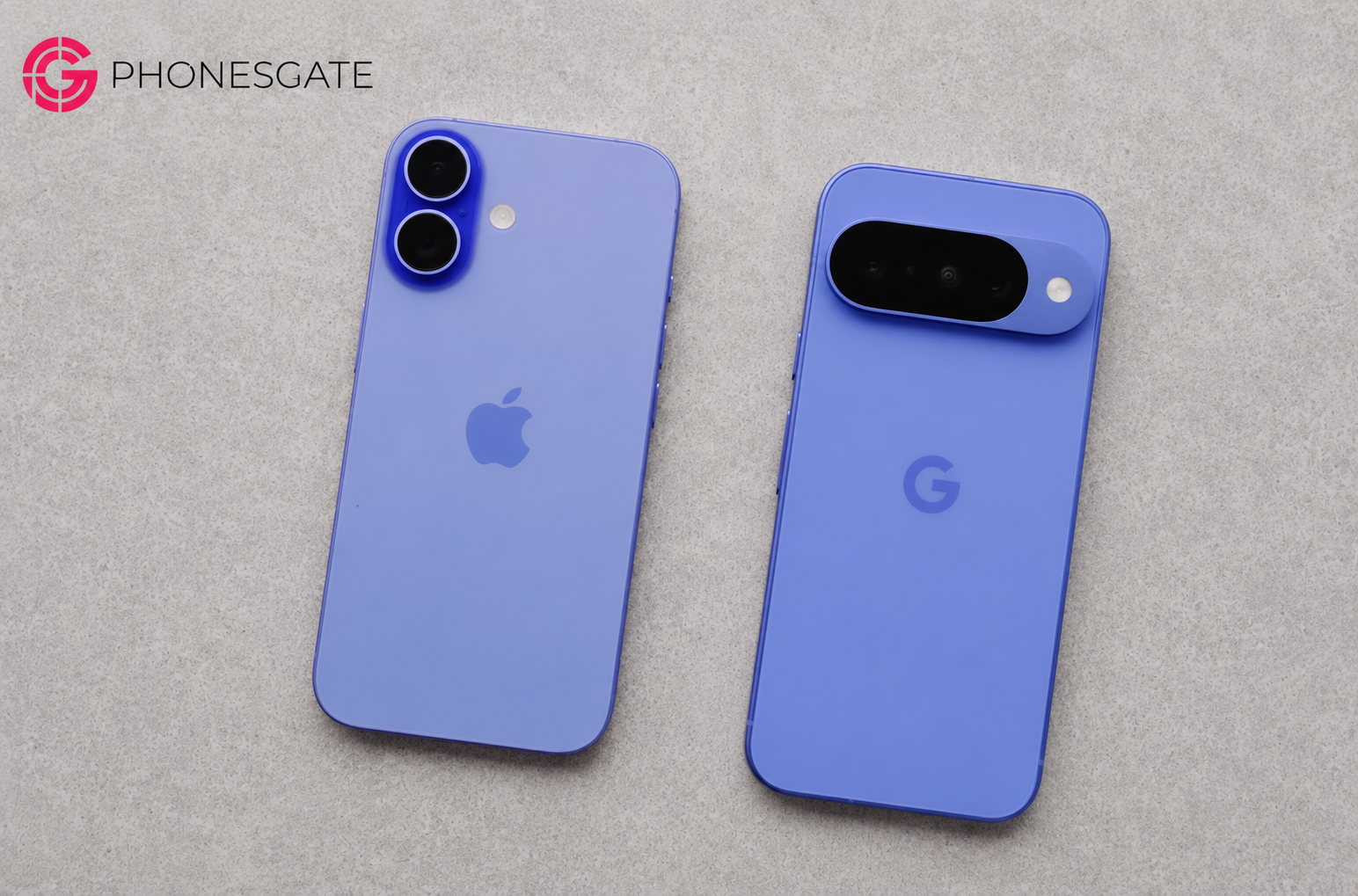
Why people stay with iPhone even when Android looks better
For many users, the decision is emotional rather than technical. They may admire a new Android phone, like its camera or prefer its AI tools, but still feel that changing platforms would create unnecessary work.
The hesitation often sounds simple:
11 min read
Google coverage from PhonesGate. Published Jul 24, 2026.
- “I am used to iPhone.”
- “Everything already works.”
- “I do not want to move my data.”
- “My family uses iMessage.”
- “I have AirPods and Apple accessories.”
- “I do not want to learn a new system.”
None of these reasons necessarily means the competing phone is worse. They show that convenience and familiarity can be more powerful than specification differences.
The hidden power of switching costs
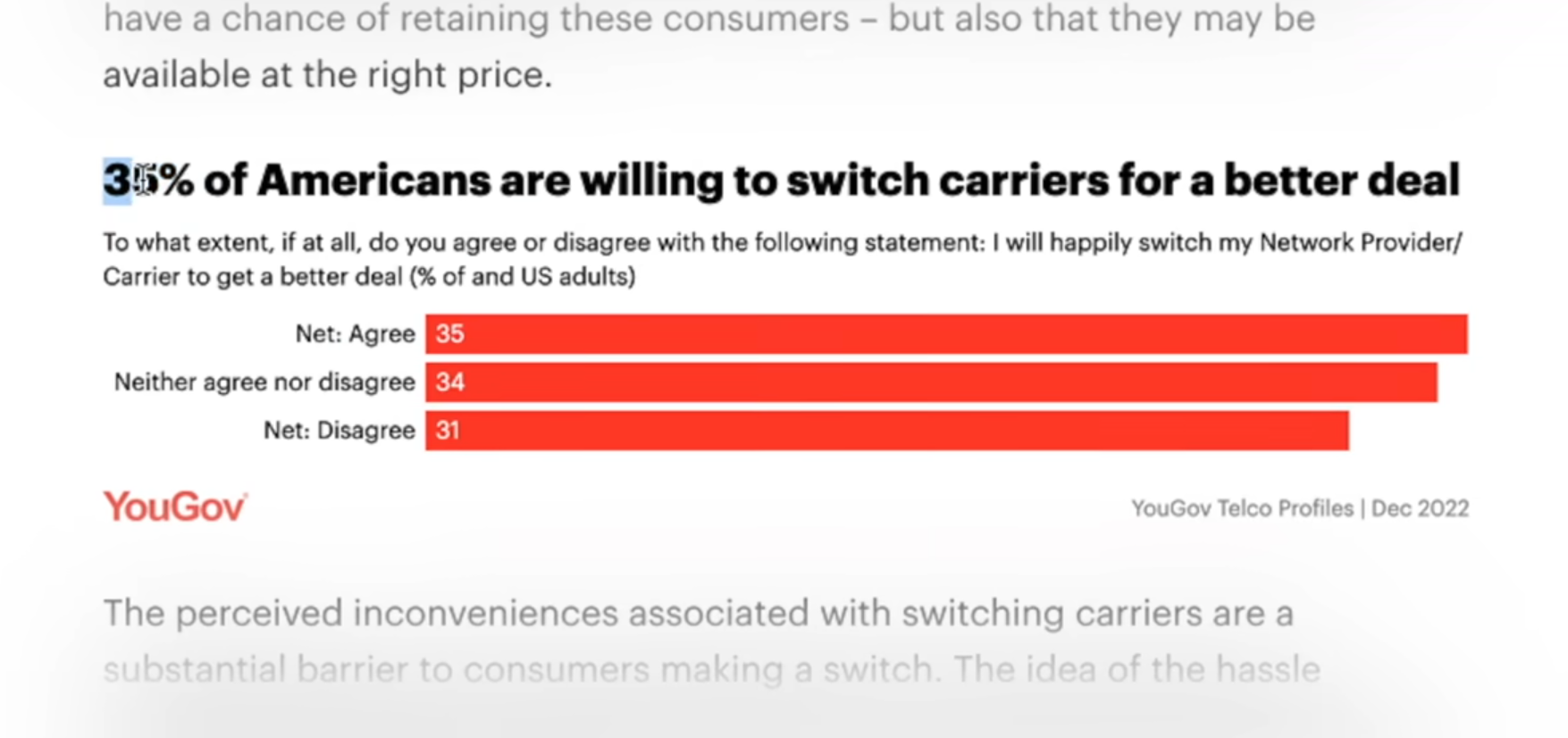
Switching cost is the time, effort, uncertainty and inconvenience associated with moving from one product or service to another.
It does not need to involve direct financial cost. A user may save money by switching and still decide not to because the process feels complicated.
In the smartphone market, switching costs include:
- moving photos and messages;
- reconfiguring apps and accounts;
- learning a different interface;
- replacing accessories;
- changing password and payment workflows;
- losing access to exclusive services;
- adjusting family communication habits.
These costs create loyalty even when users are not especially enthusiastic about their current phone.
Smartphone companies no longer compete only for first-time buyers
Most people in mature markets already own a smartphone. That changes the business challenge.
Manufacturers are now competing in two major areas:
- winning users buying their first smartphone;
- convincing existing users to switch ecosystems.
The second challenge is harder. A first-time buyer has fewer habits, fewer accessories and less data tied to a platform. An experienced user may have years of photos, subscriptions, messages and routines attached to a single ecosystem.
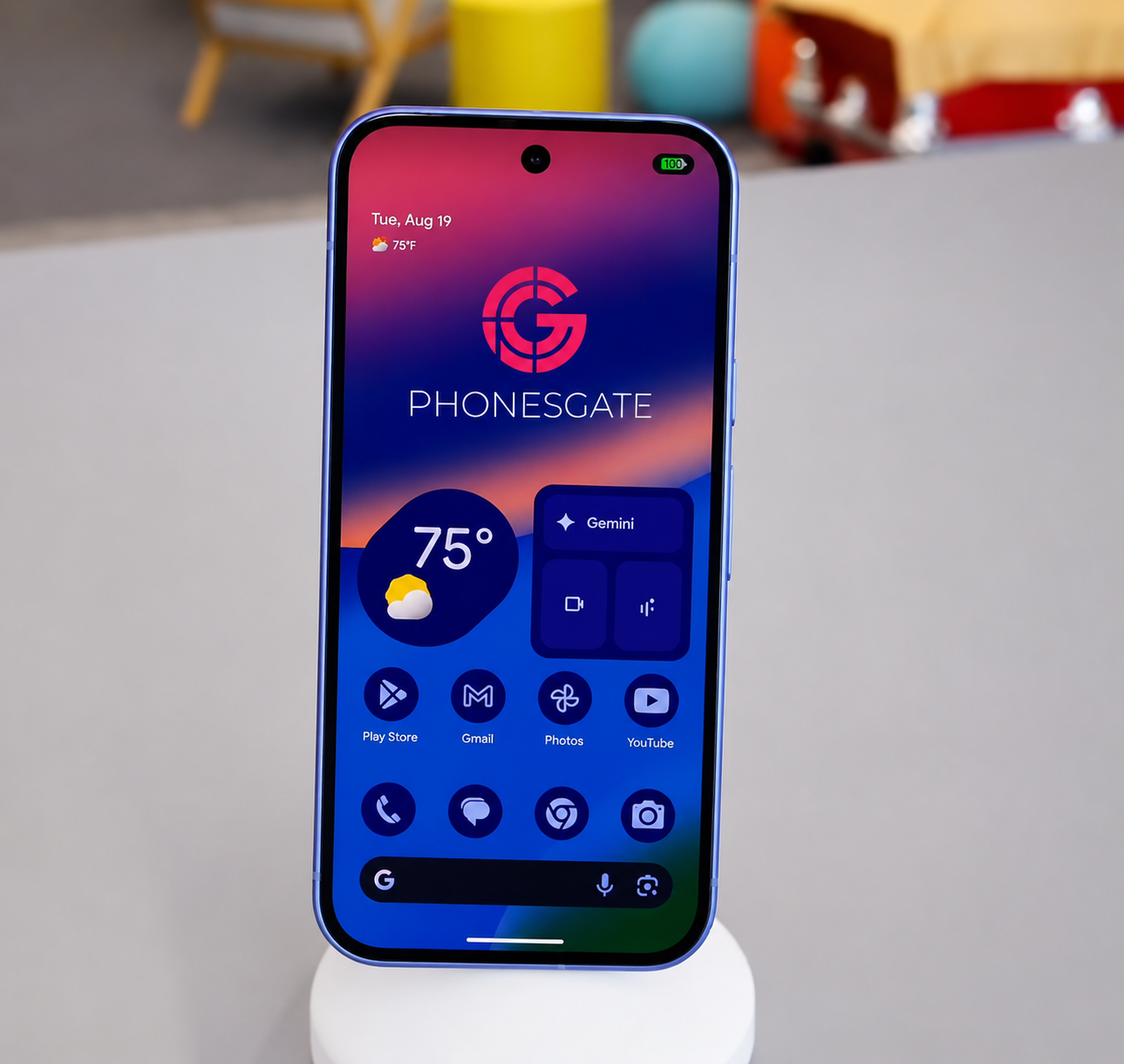
Why Google talks so much about switching
Recent Pixel messaging has focused heavily on making the transition from iPhone feel less intimidating.
That strategy makes sense. Google does not need only to prove that Pixel is good. It needs to remove every reason an iPhone user gives for not changing.
This is why modern Pixel launches increasingly emphasize familiar features, compatibility and continuity rather than only technical innovation.
Face unlock is no longer an iPhone-only advantage
Face ID became one of the most recognizable parts of the iPhone experience. For years, it created a genuine usability advantage because it worked quickly for authentication, payments and app access.
Modern Android phones have improved facial authentication considerably, and some now combine face recognition with under-display fingerprint sensors.
The Android approach can offer flexibility: face unlock when the user is looking at the phone, fingerprint authentication when the face is covered or the phone is lying on a table.
For many users, facial authentication is therefore no longer a decisive reason to remain on iPhone.
Wireless earbuds are not a complete barrier
AirPods work best inside the Apple ecosystem, but they can still connect to Android through standard Bluetooth.
Users may lose some Apple-specific conveniences, yet they are not forced to abandon the earbuds immediately.
Android manufacturers also offer strong alternatives with active noise cancellation, spatial audio, multipoint connectivity and ecosystem-specific features.
The important point is that switching does not always require replacing every accessory on day one.
Magnetic charging removes a major iPhone advantage
MagSafe became more than a charging method. It created an accessory ecosystem around mounts, wallets, stands, chargers and car dashboards.
For some users, the convenience is so valuable that they refuse to consider a phone without built-in magnets.
The arrival of Qi2 and magnetic charging support on newer Android phones directly addresses that concern.
Why Qi2 matters
Qi2 brings standardized magnetic alignment to wireless charging. The magnets help position the device correctly, improving consistency and making accessories easier to use.
For Pixel users, magnetic support can enable:
- car mounts;
- desk stands;
- magnetic batteries;
- wallet attachments;
- charging docks;
- existing MagSafe-compatible accessories.
This does not automatically make Qi2 the fastest wireless charging system. Some Android manufacturers still offer much higher proprietary charging speeds. But for Pixel, where charging speed has not historically been the strongest selling point, magnetic compatibility adds significant value with relatively little downside.
Pixel Journal and the battle over familiar apps
A journaling app may look like a small feature, but it has strategic importance.
When a user adopts an app for years and stores personal history inside it, the app becomes part of the switching cost. If the service is exclusive to one platform, leaving that platform becomes harder.
Creating a comparable journaling experience on Pixel reduces the gap. Google does not need to prove that its app is radically different. It only needs to ensure that users do not feel they are giving up an important habit by switching.
This is a common competitive response: when one ecosystem introduces a feature that increases loyalty, the rival builds an equivalent experience.
Copying features can be a defensive strategy
Smartphone companies are often criticized for copying one another. Sometimes that criticism is justified. In other cases, feature parity is necessary to maintain competition.
If one company creates a convenience that becomes essential to users, competitors must respond. Otherwise, the feature becomes an ecosystem barrier rather than a simple product advantage.
Examples include:
- magnetic charging;
- journaling apps;
- AI photo editing;
- device-finding networks;
- cross-device clipboard tools;
- satellite messaging;
- password synchronization.
Feature similarity can therefore reduce switching costs and improve consumer choice.
iMessage was Apple's strongest ecosystem barrier
In the United States, iMessage created one of the most powerful social barriers in the smartphone market.
The difference between blue and green message bubbles became more than a visual detail. It affected group chats, media quality, reactions and social perception.
Users outside the United States often find this difficult to understand because other messaging platforms dominate communication in many markets.
But in the U.S., losing iMessage could feel like losing access to the preferred communication method of friends and family.
RCS weakens the blue-bubble barrier
RCS improves messaging between iPhone and Android by supporting better media quality, read receipts, typing indicators and more modern group-chat behavior.
It does not make every iMessage feature available everywhere, but it reduces the practical penalty of using Android.
This matters strategically because messaging quality was one of the clearest reasons users gave for not switching.
Once communication becomes more interoperable, platform choice can depend more on the actual phone and less on social pressure.
Google's strategy is to remove excuses one by one
The strongest interpretation of Google's Pixel strategy is not that it is copying iPhone. It is systematically eliminating the reasons iPhone users refuse to switch.
iPhone user concern Google's response Face authentication Improved face unlock and fingerprint options MagSafe accessories Qi2 and magnetic charging support Journal habit Pixel journaling tools Blue-bubble messaging RCS interoperability AI features Gemini and Pixel-specific AI tools Photo quality Computational photography and high-resolution sensors
The goal is not to make Pixel identical to iPhone. It is to make the transition feel safe.
Why Apple also wants Android users to switch
The competitive pressure works in both directions.
Apple has long provided tools for moving data from Android to iPhone. It also markets privacy, ecosystem integration, camera quality and long-term support as reasons to leave Android.
When Android introduces a feature that gains attention, Apple often develops a comparable capability inside its own system.
This is not unique to Apple or Google. It is the normal behavior of companies competing in a mature market where most customers already belong to another ecosystem.
The ecosystem is more important than the phone
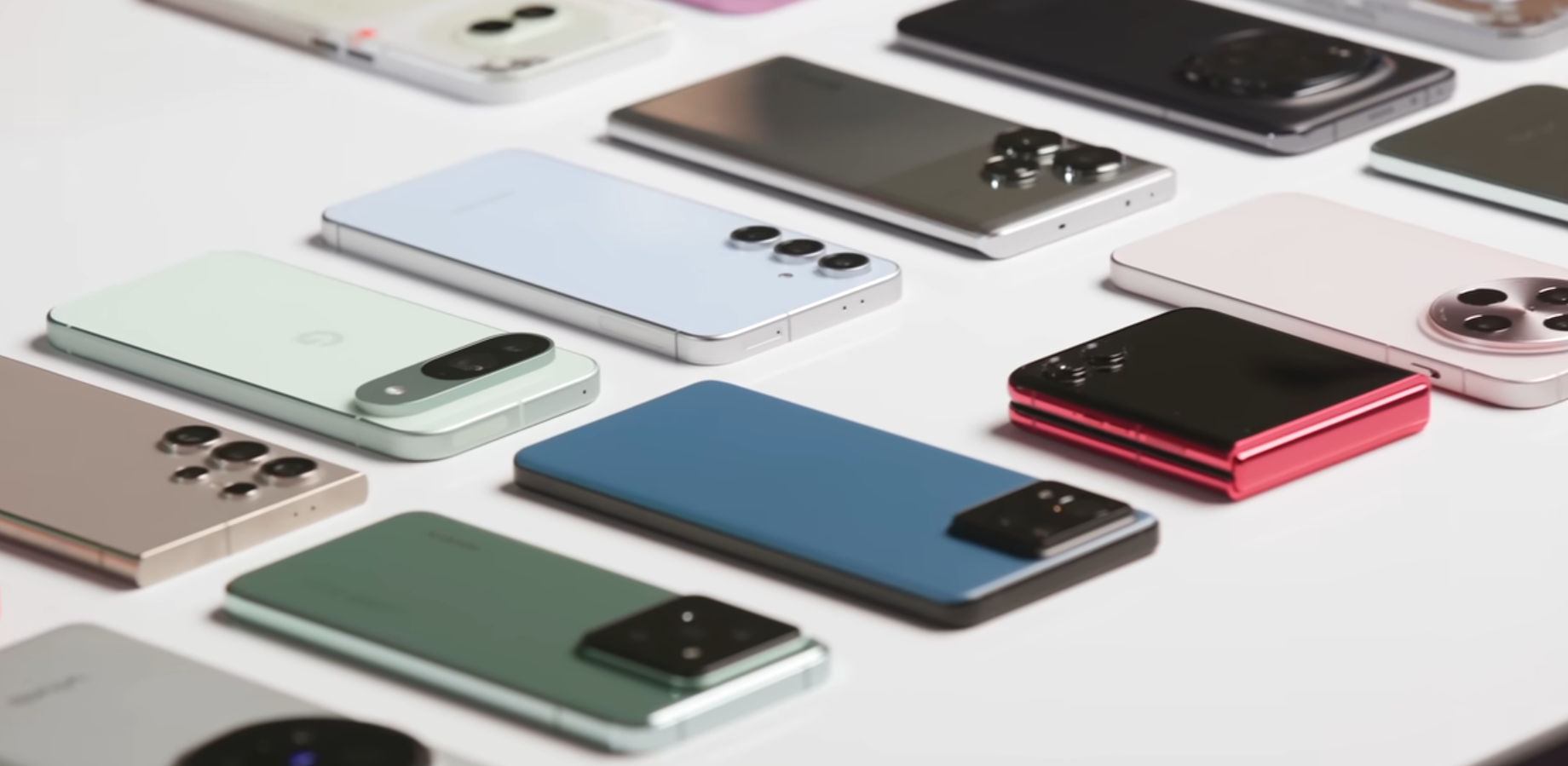
Consumers often compare devices as individual products. Companies think in ecosystems.
An iPhone user may also own:
- AirPods;
- Apple Watch;
- MacBook;
- iPad;
- iCloud storage;
- Apple subscriptions.
An Android user may have a similar network of watches, earbuds, tablets, smart-home devices and cloud services.
The more products a person owns inside one ecosystem, the more difficult switching becomes.
Data transfer is better, but anxiety remains
Moving photos, contacts, calendars and files between platforms is easier than it used to be.
Yet users still worry about:
- missing messages;
- lost app data;
- duplicate contacts;
- subscription problems;
- authentication apps;
- banking access;
- photo-library organization.
Even when the transfer tool works well, fear of losing something important can stop the process before it begins.
PhonesGate practical switching checklist
Users considering a move from iPhone to Android should prepare carefully.
Before switching
- confirm that important apps are available on Android;
- review password-manager access;
- back up photos and documents;
- check two-factor authentication apps;
- review paid subscriptions;
- verify smartwatch compatibility;
- confirm carrier and eSIM support;
- disable services that could interfere with message delivery.
During setup
- use the official data-transfer process;
- keep both phones charged;
- use a wired connection when available;
- verify contacts, photos and messages before resetting the old phone;
- test banking and authentication apps.
After switching
- keep the old phone for several days;
- check group messages;
- review cloud backup settings;
- set default applications;
- configure privacy and notification permissions;
- learn Android shortcuts before judging the experience.
What iPhone users usually miss most
The hardest parts of switching are often not the features users expected.
Common adjustments include:
- different notification behavior;
- changes in gesture navigation;
- different photo-sharing workflows;
- Apple Watch incompatibility;
- different video-calling habits;
- password and payment changes.
These are not necessarily weaknesses. They are differences that require adjustment.
What former iPhone users often prefer on Android
Users who complete the transition may appreciate:
- greater home-screen customization;
- more flexible default apps;
- stronger notification controls;
- more hardware choices;
- faster charging on selected devices;
- split-screen and multitasking options;
- deeper file-system access;
- competitive AI features.
Should you switch for Pixel AI?
AI alone is not a strong enough reason for every user to change ecosystems.
Features such as call assistance, transcription, visual search and photo editing can be useful, but they should be evaluated as part of the complete phone experience.
A buyer should consider:
- camera quality;
- battery life;
- performance;
- software support;
- repairability;
- accessory compatibility;
- regional feature availability.
The best phone is not always the phone people buy
Specification comparisons assume that users select the technically superior product. Real purchasing behavior is more complicated.
People choose the device that feels safe, familiar and compatible with their social and digital life.
This is why a slightly better camera or a faster processor may not convince someone to switch. The competing phone must also eliminate fear and inconvenience.
PhonesGate take: Google is competing against habit
Google's biggest opponent is not a single iPhone model. It is the user's existing routine.
Pixel can match Face ID with strong authentication, MagSafe with Qi2, iMessage pressure with RCS and Apple Intelligence with Gemini. But technical parity is only the first step.
Google must convince users that their photos, messages, accessories and relationships will continue working after the move.
The easier the transition becomes, the more smartphone competition can focus on actual product quality.
Frequently asked questions
Is it difficult to switch from iPhone to Android?
The technical process is easier than before, but users should prepare passwords, authentication apps, subscriptions and message settings carefully.
Can AirPods work with Android?
Yes. AirPods can connect through Bluetooth, although some Apple-specific features may be unavailable.
Does Android support MagSafe accessories?
Phones with Qi2 magnetic support can work with many MagSafe-compatible chargers and accessories.
Will iMessage work on Android?
iMessage itself remains an Apple service, but RCS significantly improves messaging between iPhone and Android.
Can photos and messages be transferred?
Yes, official transfer tools can move many types of data, but users should verify everything before erasing the old phone.
Is Pixel better than iPhone?
The answer depends on priorities. Pixel emphasizes Google AI, Android flexibility and computational photography, while iPhone offers deep Apple ecosystem integration.
What is the biggest barrier to switching?
For many users, the biggest barrier is ecosystem habit rather than a missing hardware feature.
PhonesGate verdict
Switching from iPhone to Android is no longer primarily a technical problem. It is a psychological and ecosystem problem.
Google has made meaningful progress by reducing feature gaps, improving transfer tools, adopting magnetic charging and supporting more interoperable messaging.
Pixel does not need to become an iPhone copy. It needs to remove the fear that users will lose something essential by changing platforms.
For users curious about Android, the transition is more realistic than it has ever been. The best approach is not to switch impulsively, but to prepare carefully, verify critical services and keep the old phone until the new setup is complete.
PhonesGate's conclusion is simple: the strongest force keeping users on iPhone is not hardware. It is familiarity. Every feature that reduces that dependence makes the smartphone market more competitive.