
If you are looking for a fresh new look for your iPhone 18, one of the easiest upgrades is not a case or an accessory — it is the wallpaper and overall theme you use every day. The right wallpaper changes how the lock screen feels, how your widgets stand out and even how premium the whole phone looks in your hand.
This collection is built around a style that works especially well on modern iPhones: dark, high-contrast, OLED-friendly wallpapers with neon accents, geometric depth and a clean premium feel. These are the kinds of backgrounds that make icons pop, help the clock stay readable and give the device a more polished personality without making the screen look cluttered.
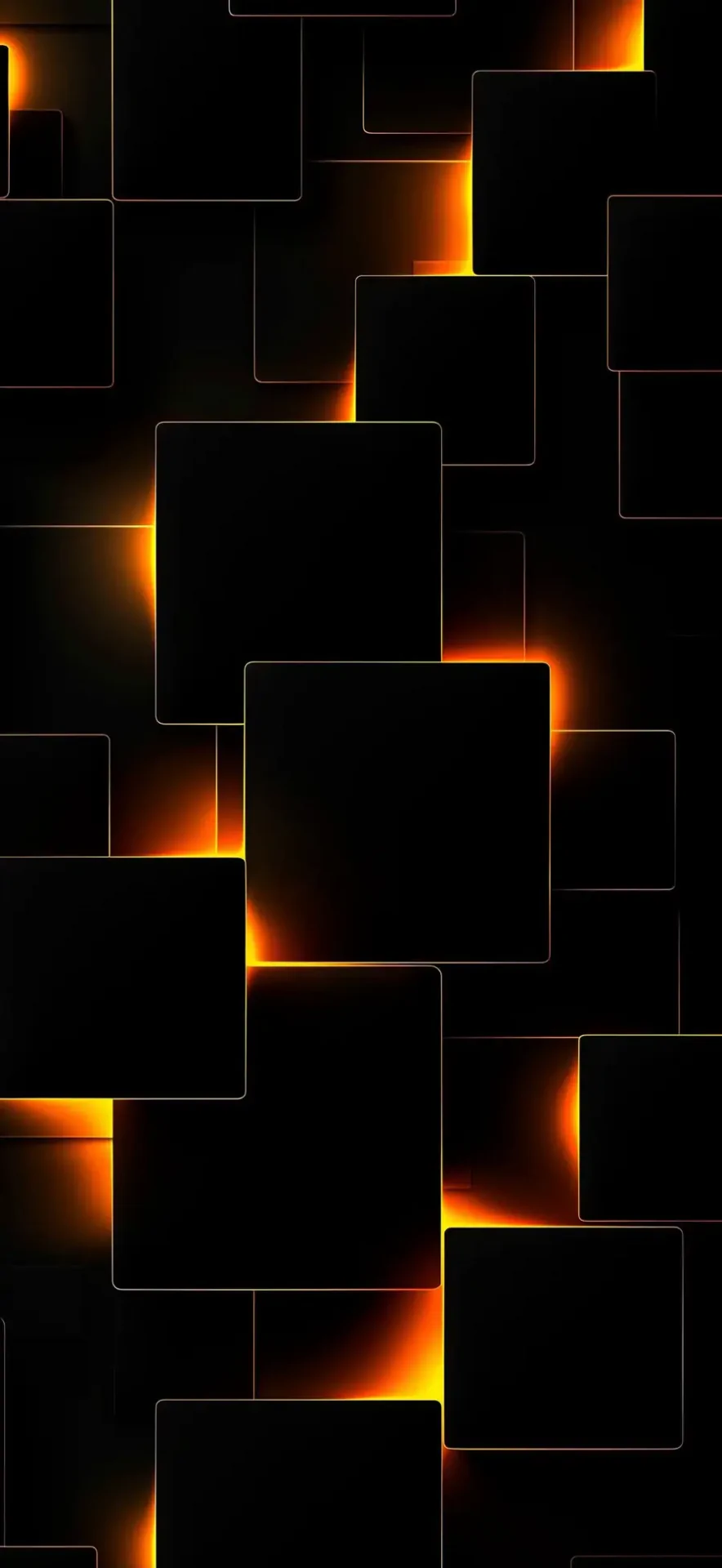
Instead of using only one or two images, this article includes a full wallpaper set so you have real variety to choose from. We also optimized the images for web delivery by converting them to WEBP, which helps keep the final package significantly smaller while still preserving strong visual quality.
Key takeaway
Looking for the best iPhone 18 themes and wallpapers? This collection includes 20 premium dark and neon-style wallpapers optimized for web delivery and perfect for OLED iPhone screens.
Why these wallpapers fit the iPhone 18 so well
The iPhone 18 series is expected to look best with wallpapers that balance detail and clarity. Extremely busy images can fight with icons and widgets, while overly flat wallpapers can make the phone feel generic. This collection sits in the sweet spot. Most of the designs use deep blacks, controlled lighting and simple geometric structure, which works particularly well on OLED displays because dark areas look rich and clean rather than washed out.
There is also a practical benefit to darker wallpapers. On OLED screens, black-heavy backgrounds usually look more premium and can be easier on the eyes in low light. They also keep the foreground interface more readable. That matters on both the lock screen and the home screen, especially when you are using widgets, notification previews or a dense icon layout.
7 min read
Apple coverage from PhonesGate. Published Sep 12, 2026.
How to turn wallpapers into a full iPhone 18 theme
iPhone users often say “theme” when they really mean the complete visual setup: wallpaper, lock-screen font style, widget color balance, icon arrangement and accent consistency. If you want these wallpapers to look even better, pair them with a matching setup:
- Use a dark-mode interface for better visual consistency.
- Keep widgets minimal so the wallpaper can breathe.
- Choose icon arrangements that leave the best artwork visible.
- Use white or subtle accent text on the lock screen for strong contrast.
- Pick one dominant color mood — orange, red, bronze or purple — and build around it.
That approach gives your device a more intentional look. A wallpaper does not need to do everything alone. The strongest home screens come from combining the wallpaper with smart layout decisions.
Minimal dark wallpapers
If you want a cleaner and more premium look, start with the more minimal dark designs. These work well for users who prefer a tidy home screen with fewer widgets and icons.
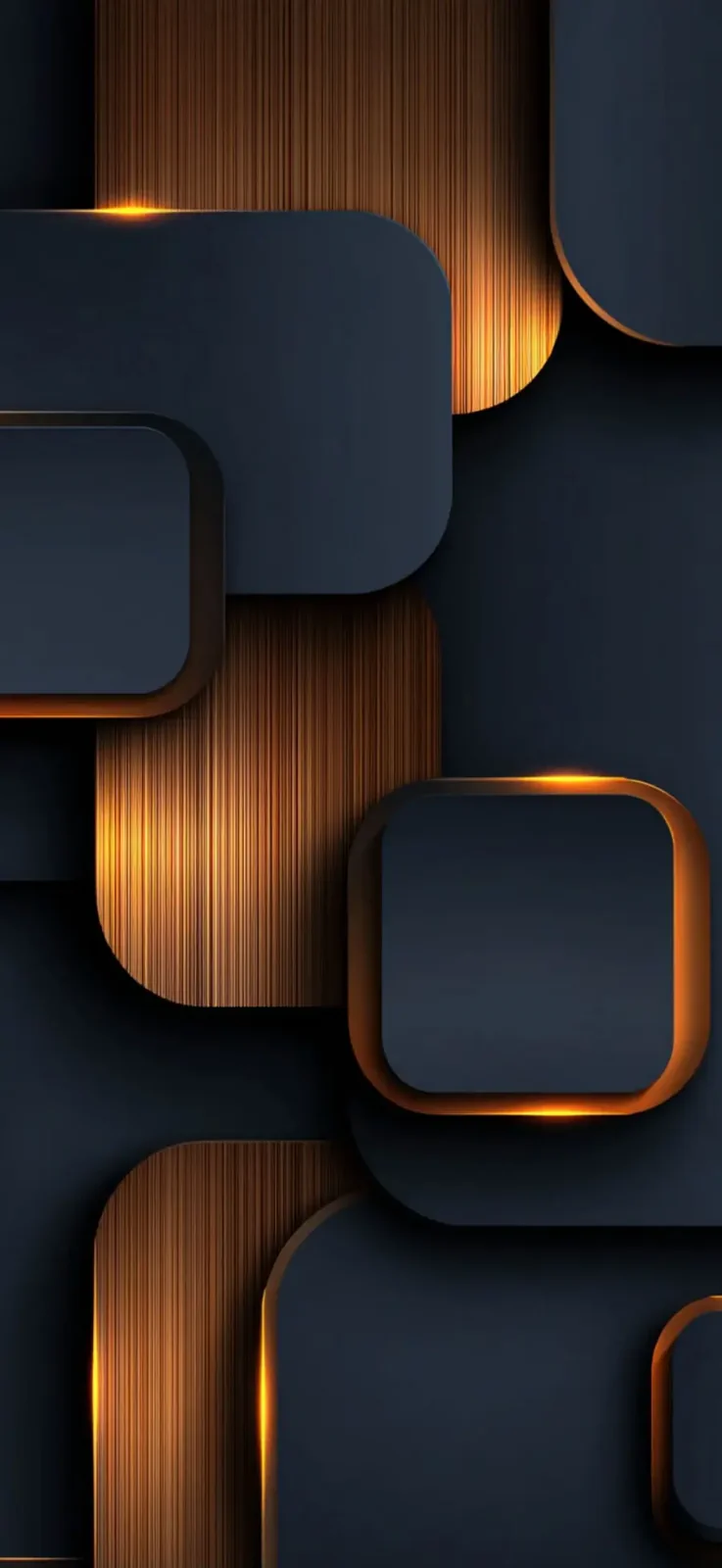
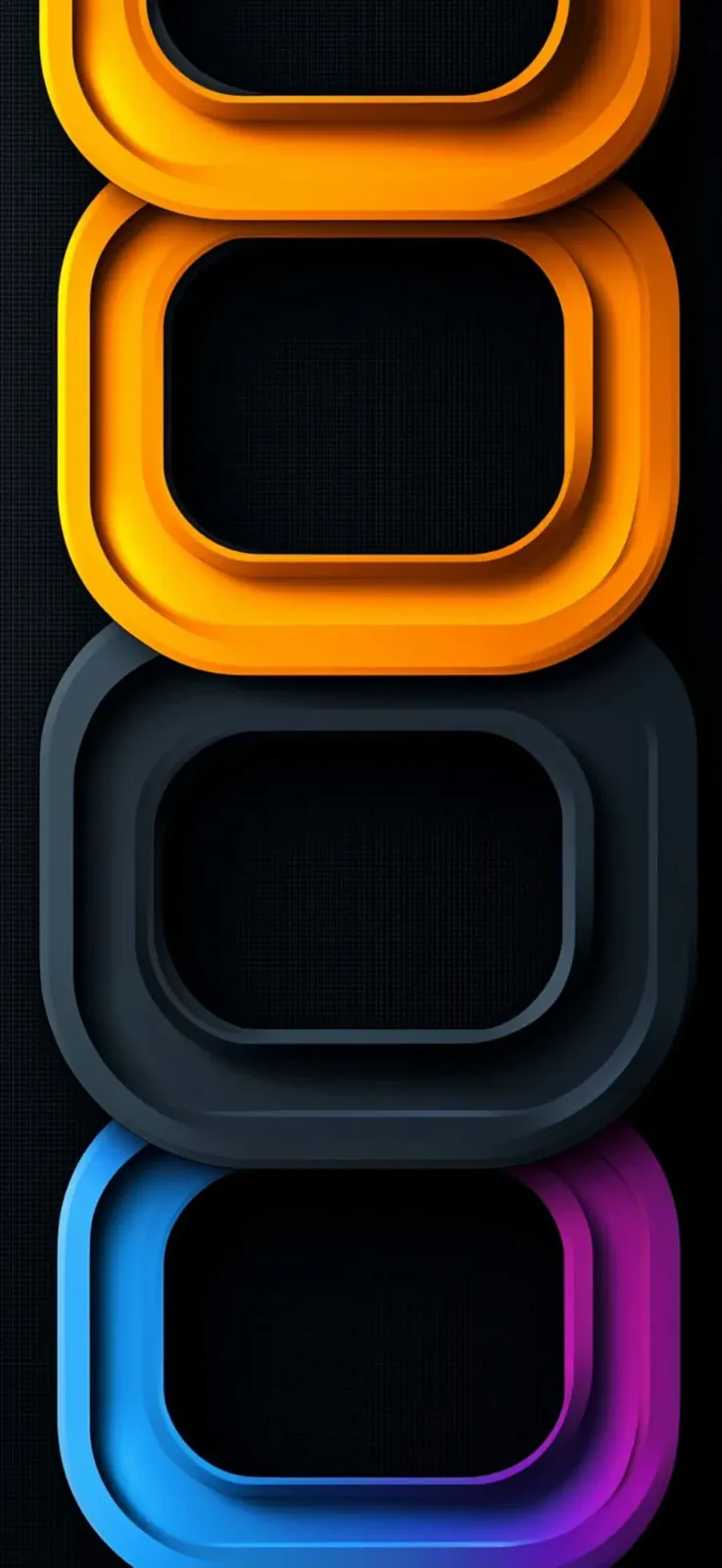
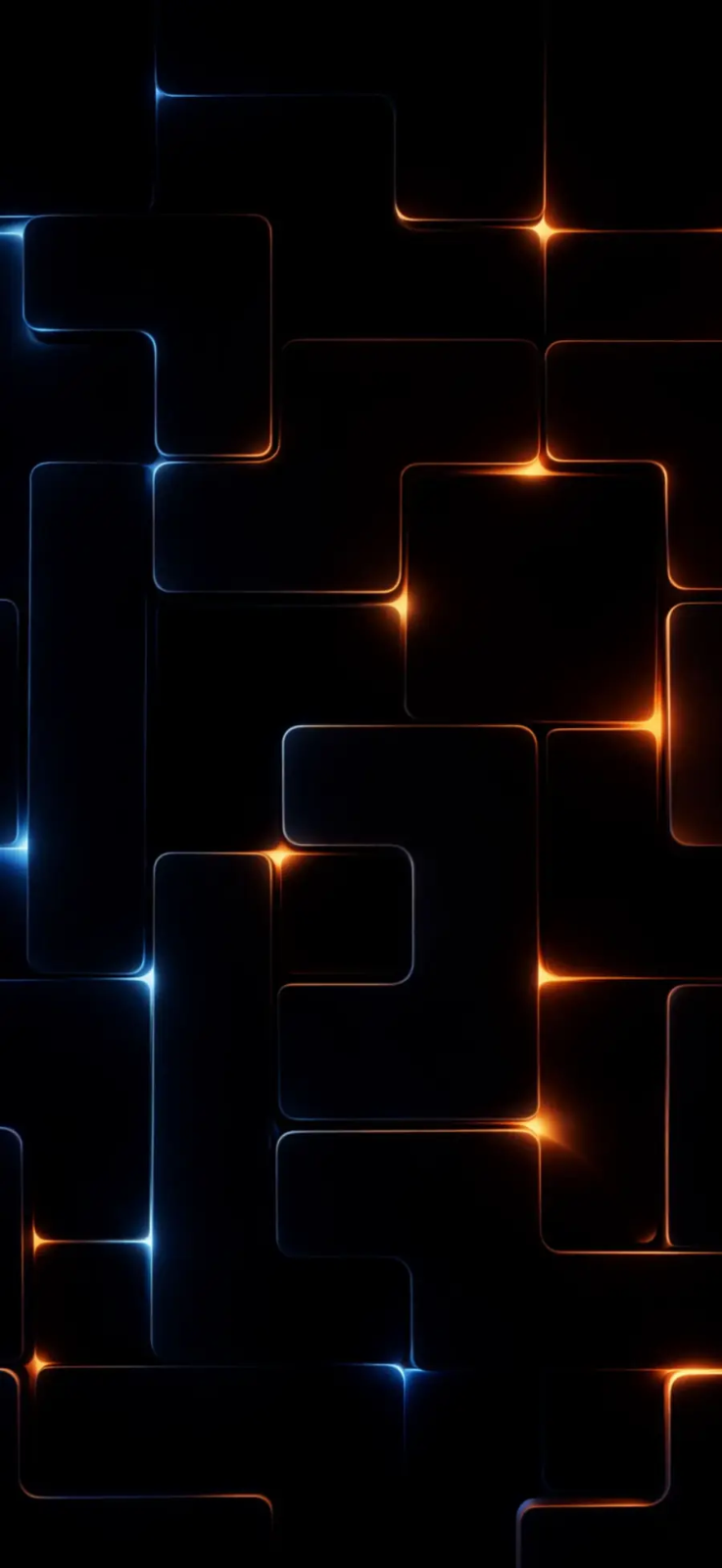
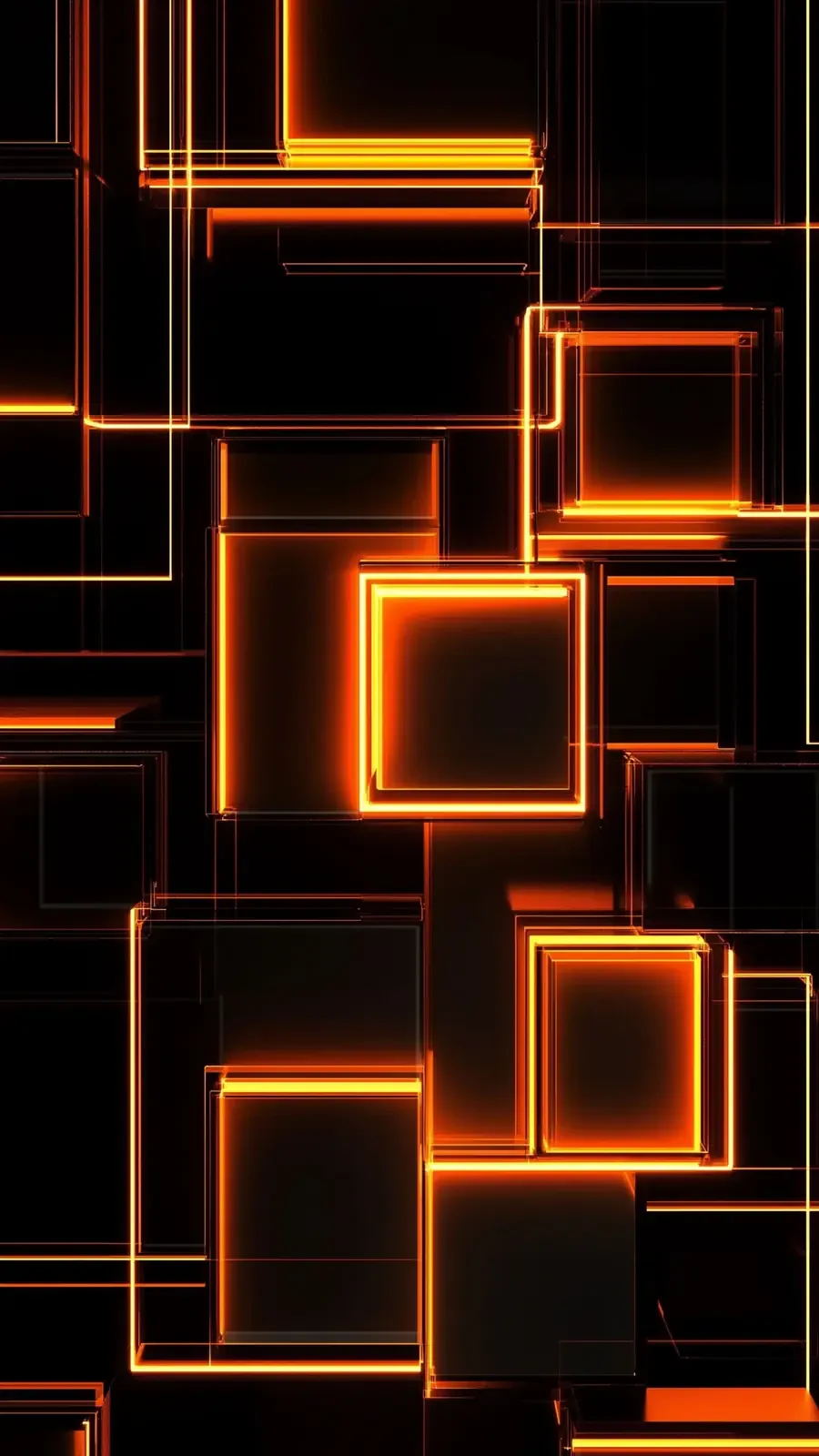
These styles are especially good if you want your app icons and widgets to remain the stars of the screen. They create depth, but they do not distract from daily use. On a lock screen, they also leave enough clean space around the clock and status elements.
Glowing geometric wallpapers
The next group leans harder into glowing outlines and layered shapes. These are ideal if you want the phone to feel more futuristic without looking childish or overloaded.
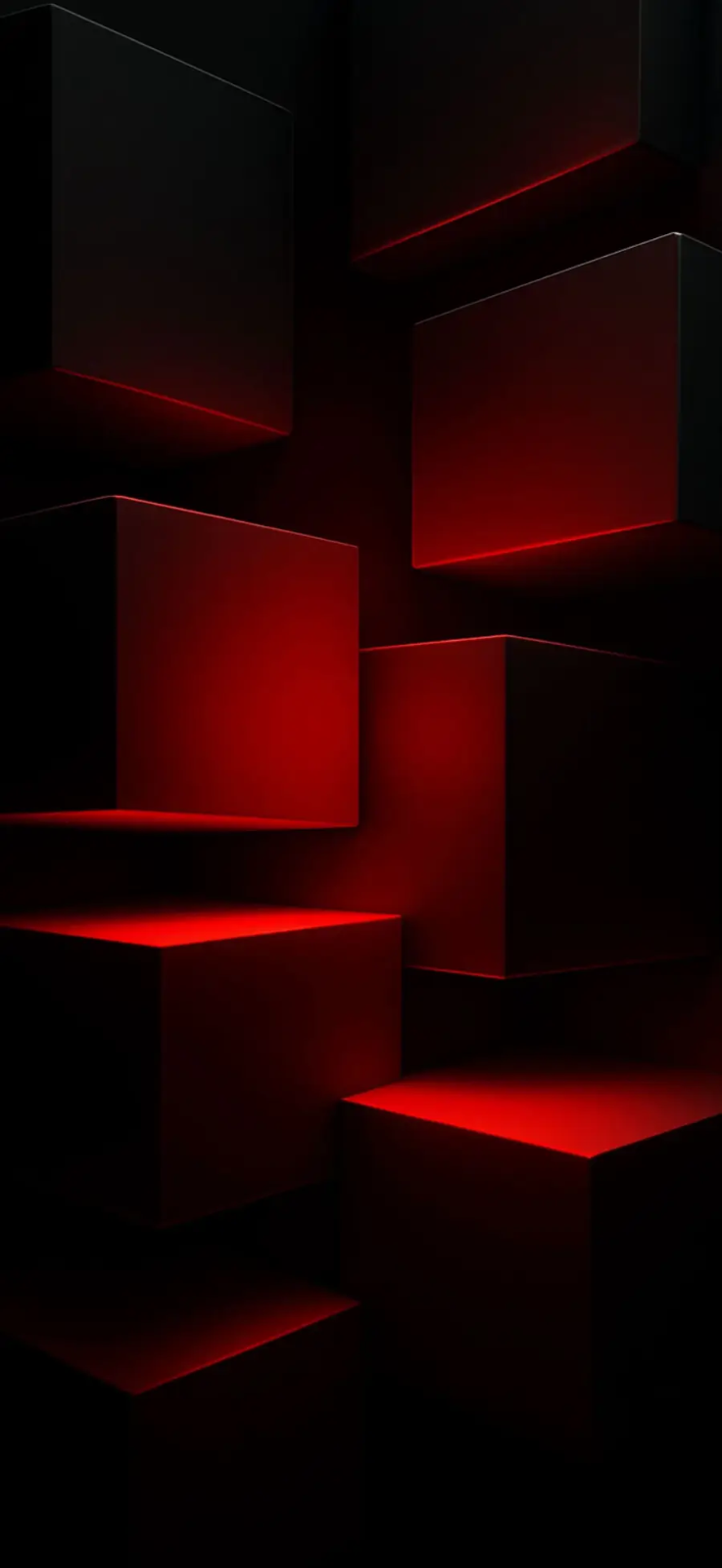
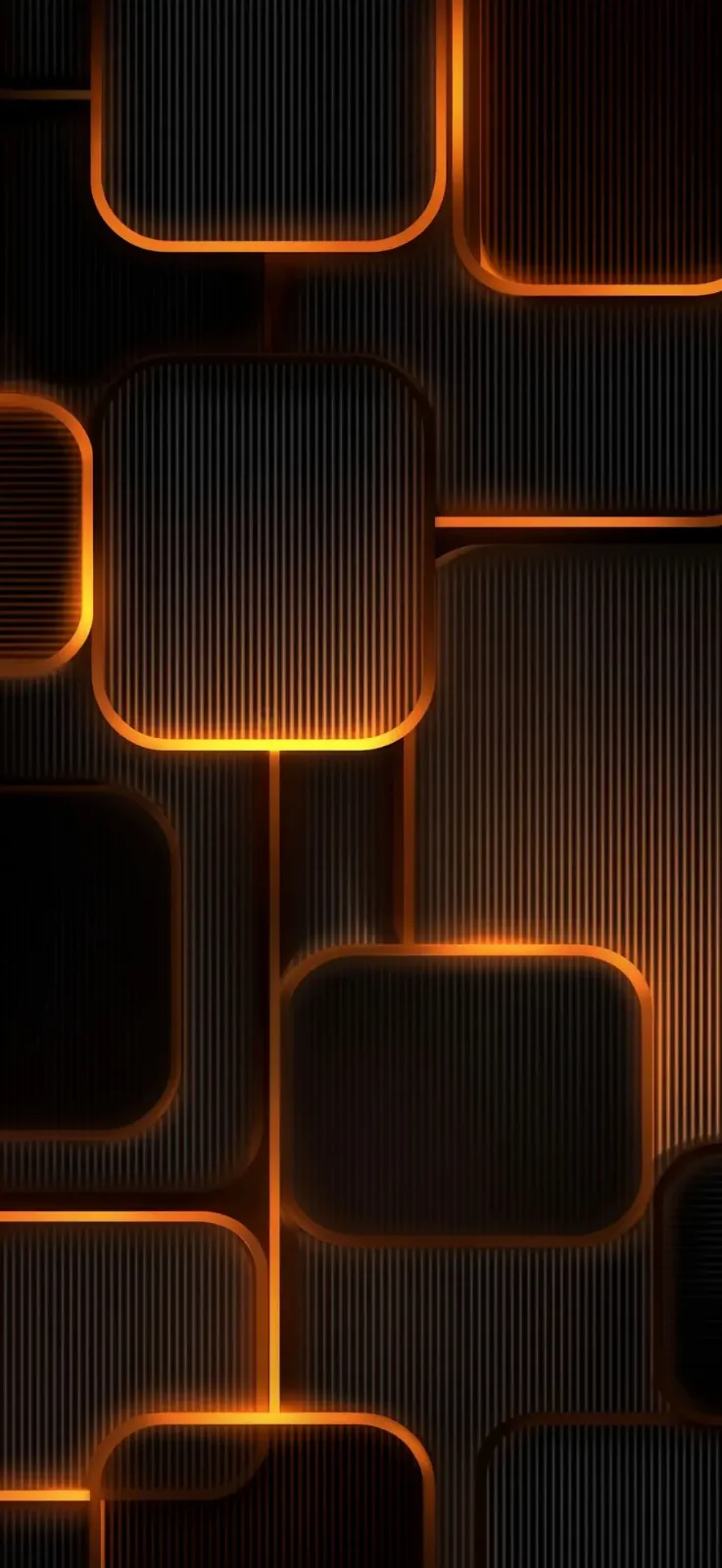
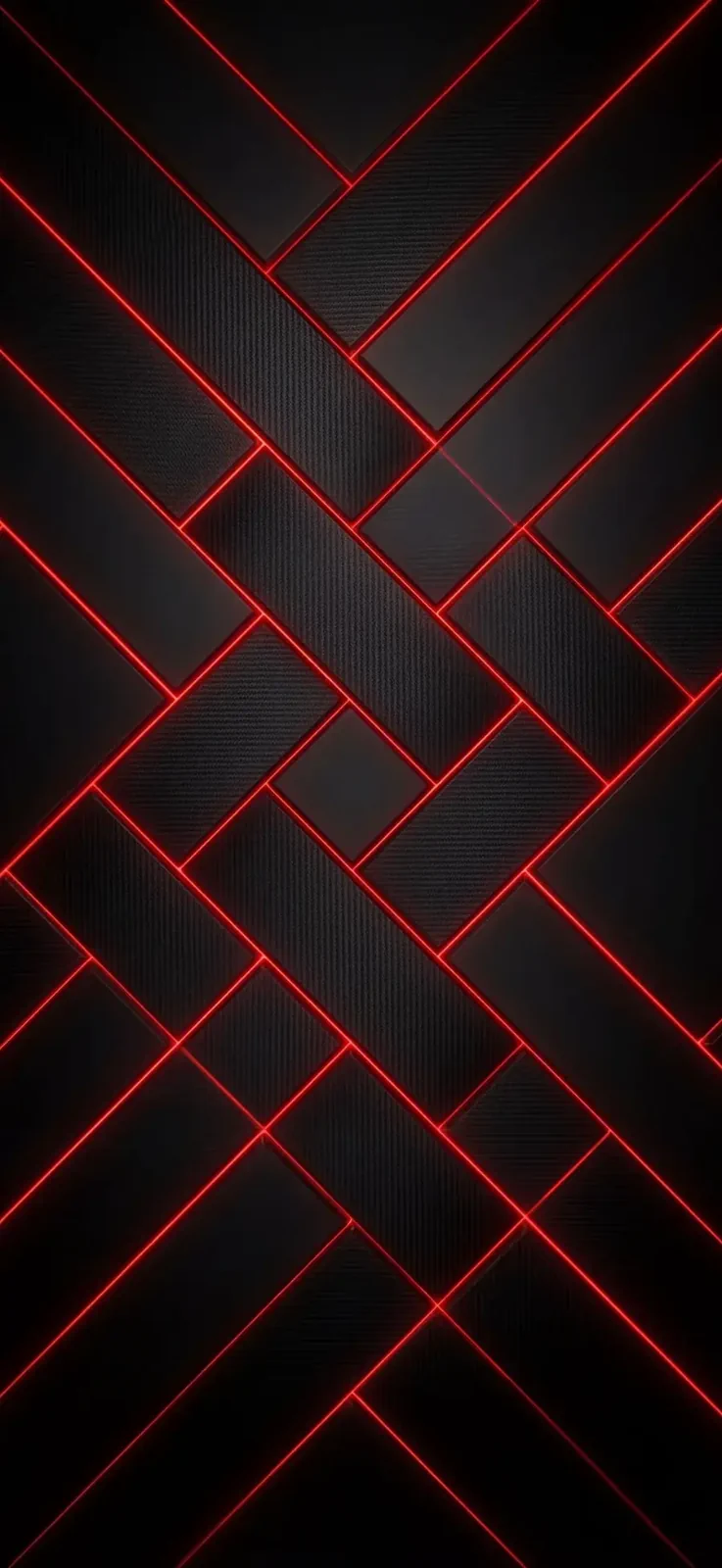
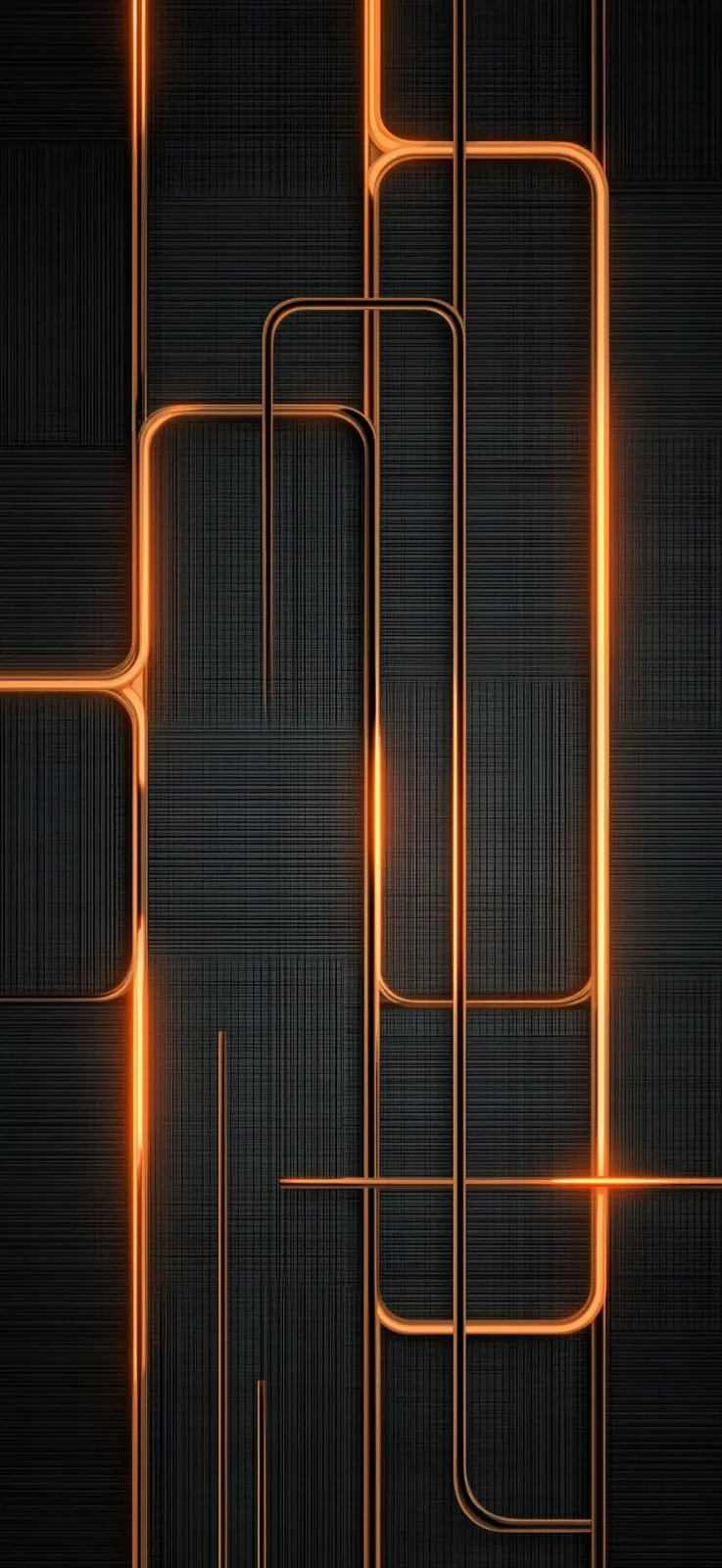
This style feels modern and technical. The glowing edges create movement and a premium-tech mood, while the black background keeps the result elegant. They are perfect for users who want something more distinctive than a plain gradient wallpaper.
Red and crimson iPhone 18 themes
Red-themed wallpapers are a strong fit for users who want a more intense or sporty look. They pair especially well with dark icon packs, black cases and bold lock-screen clocks.
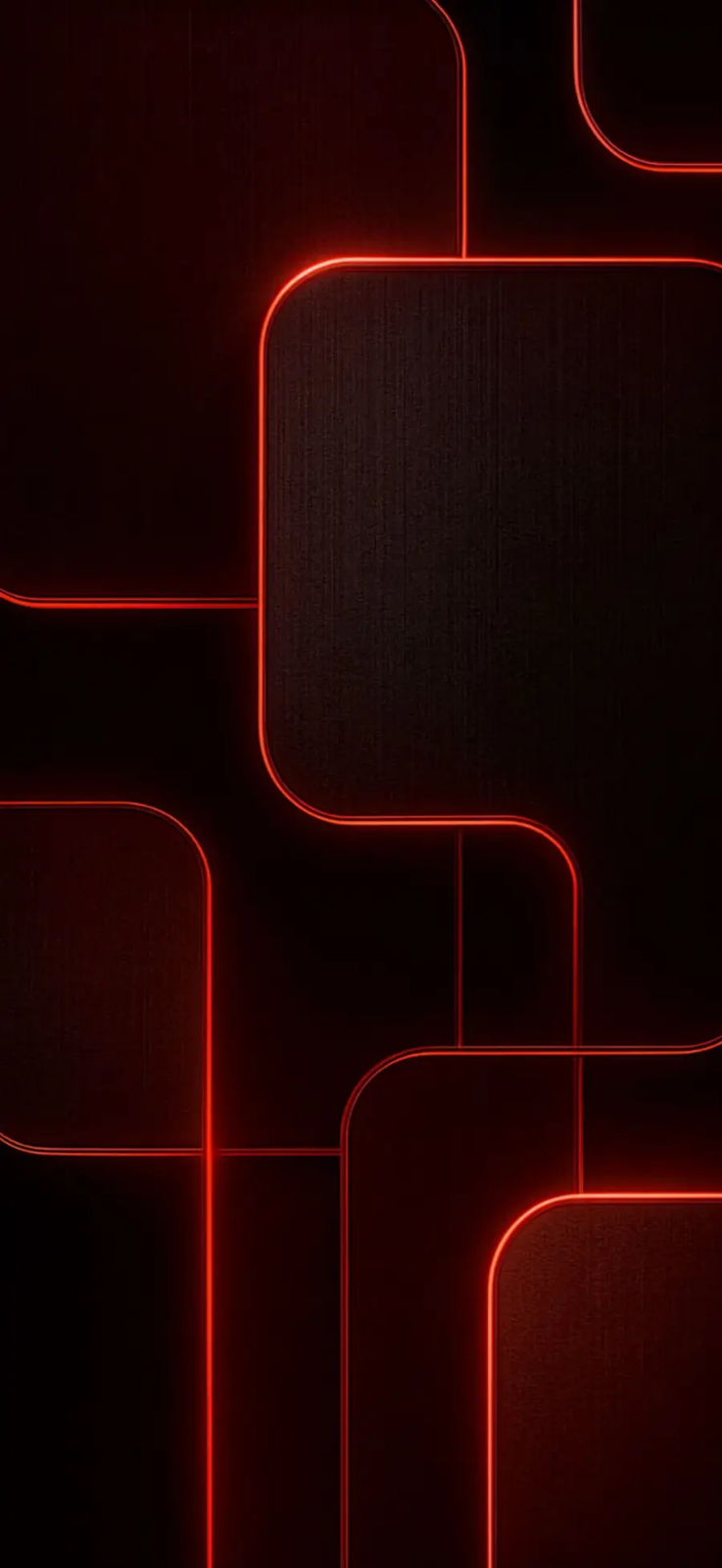
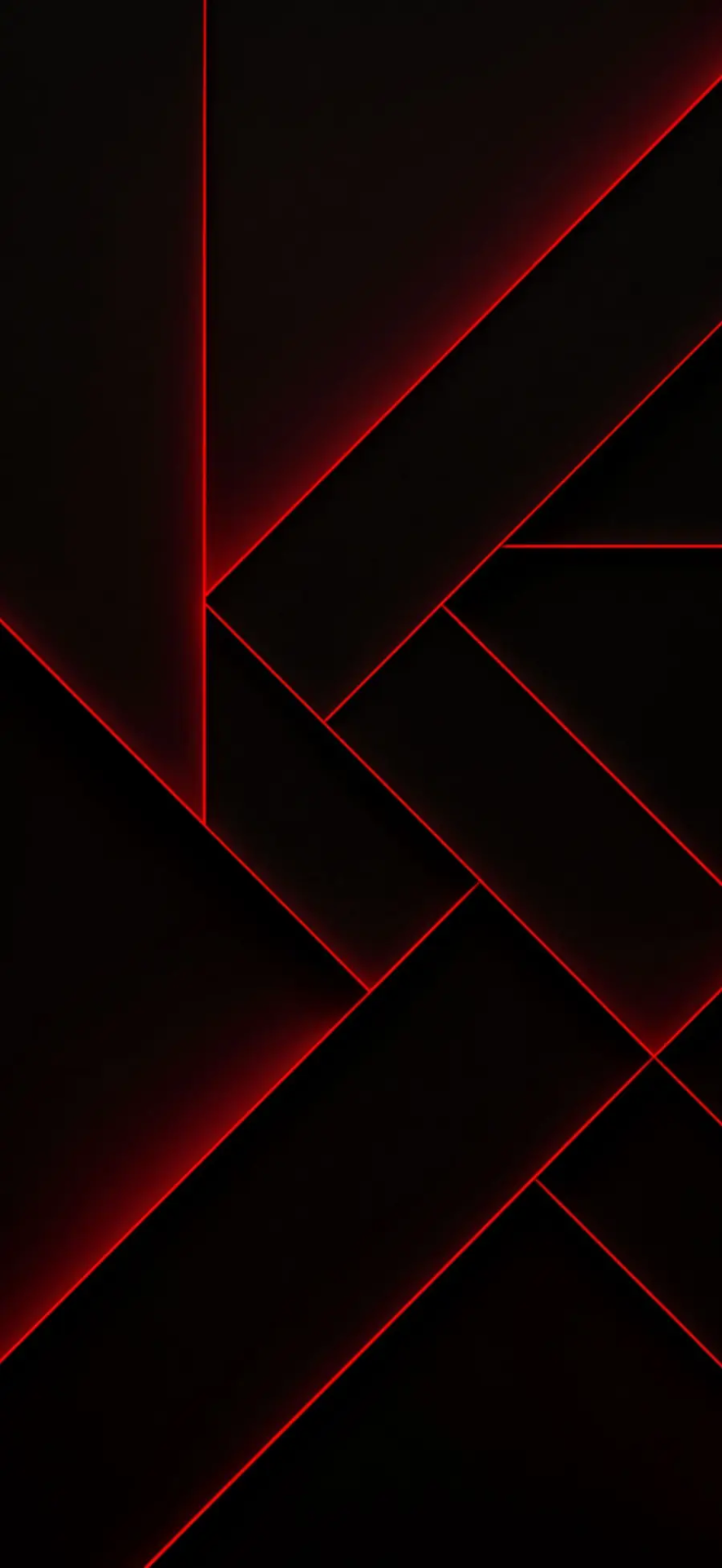
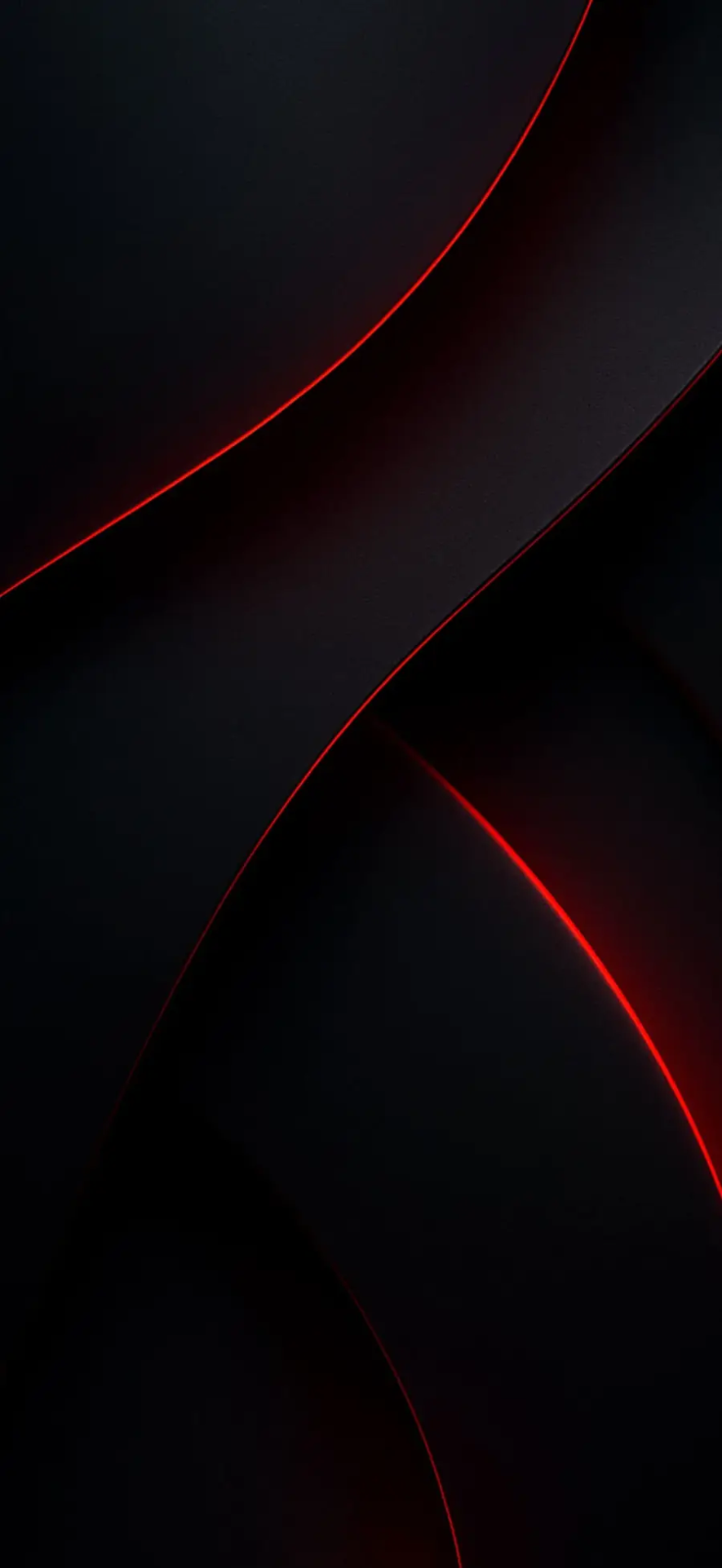
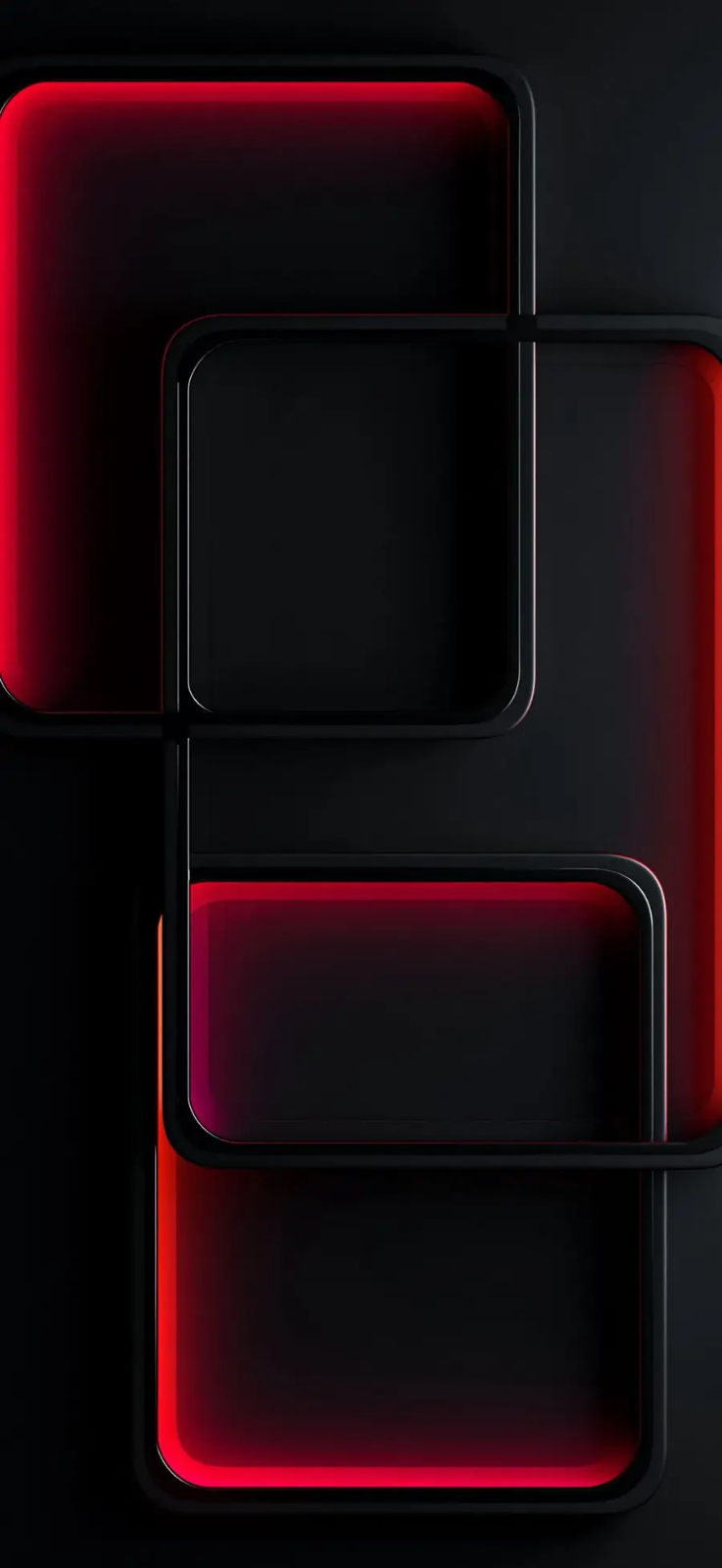
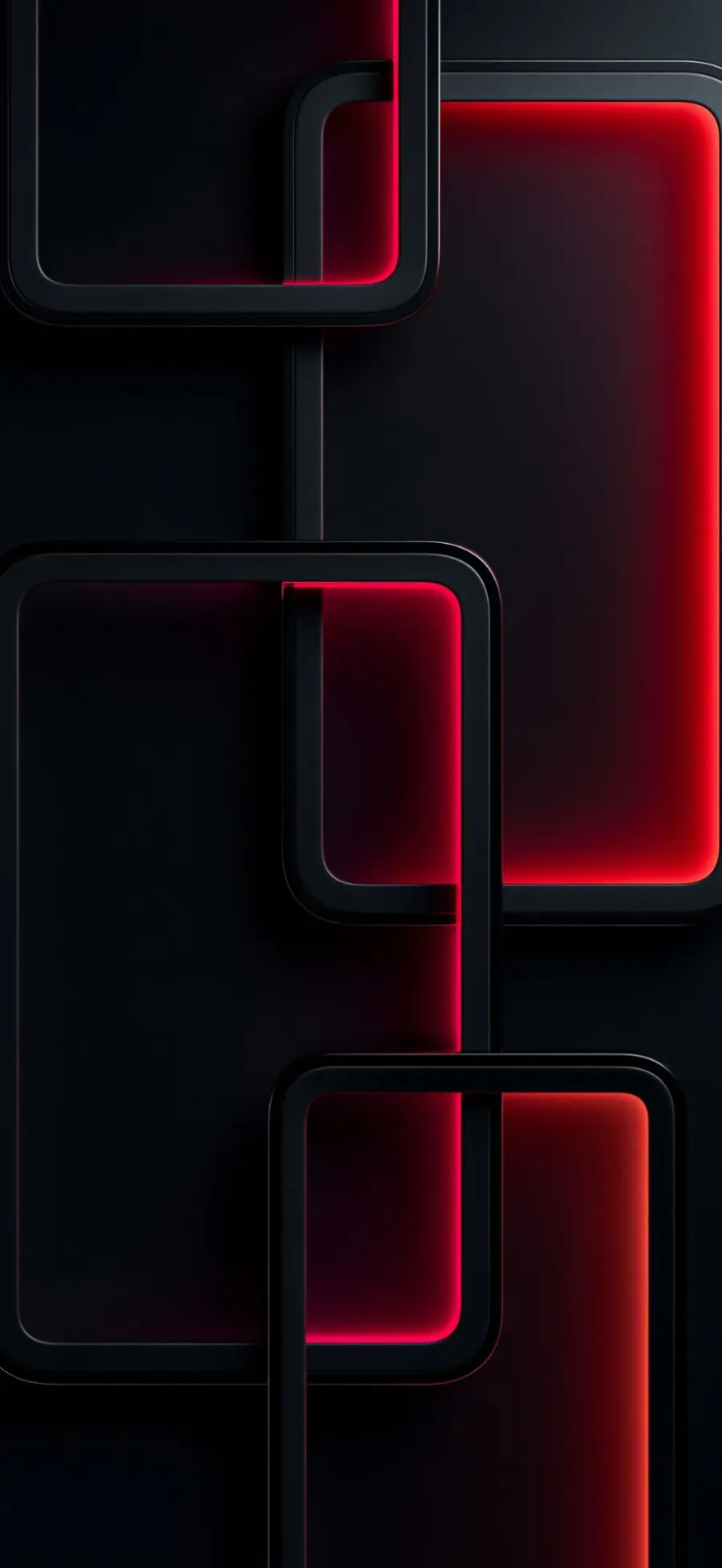
Red wallpapers always make a statement. In this collection they stay refined because the backgrounds remain dark and the lighting is controlled. That prevents the screen from becoming visually harsh while still delivering a strong character.
Premium accent wallpapers
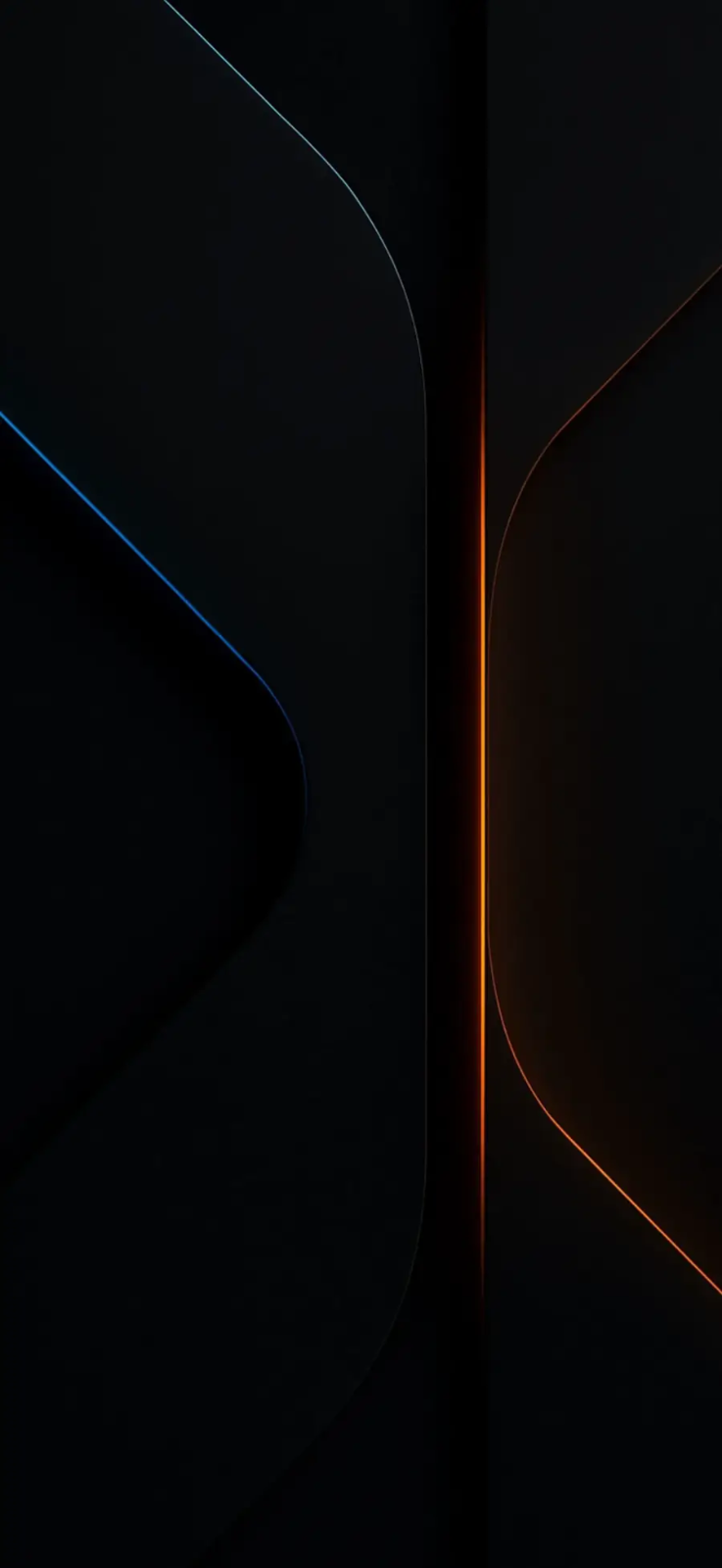
The final set introduces broader accent colors such as orange, cyan, bronze and purple. These wallpapers can make the iPhone 18 feel more customized and less repetitive than standard dark backgrounds.
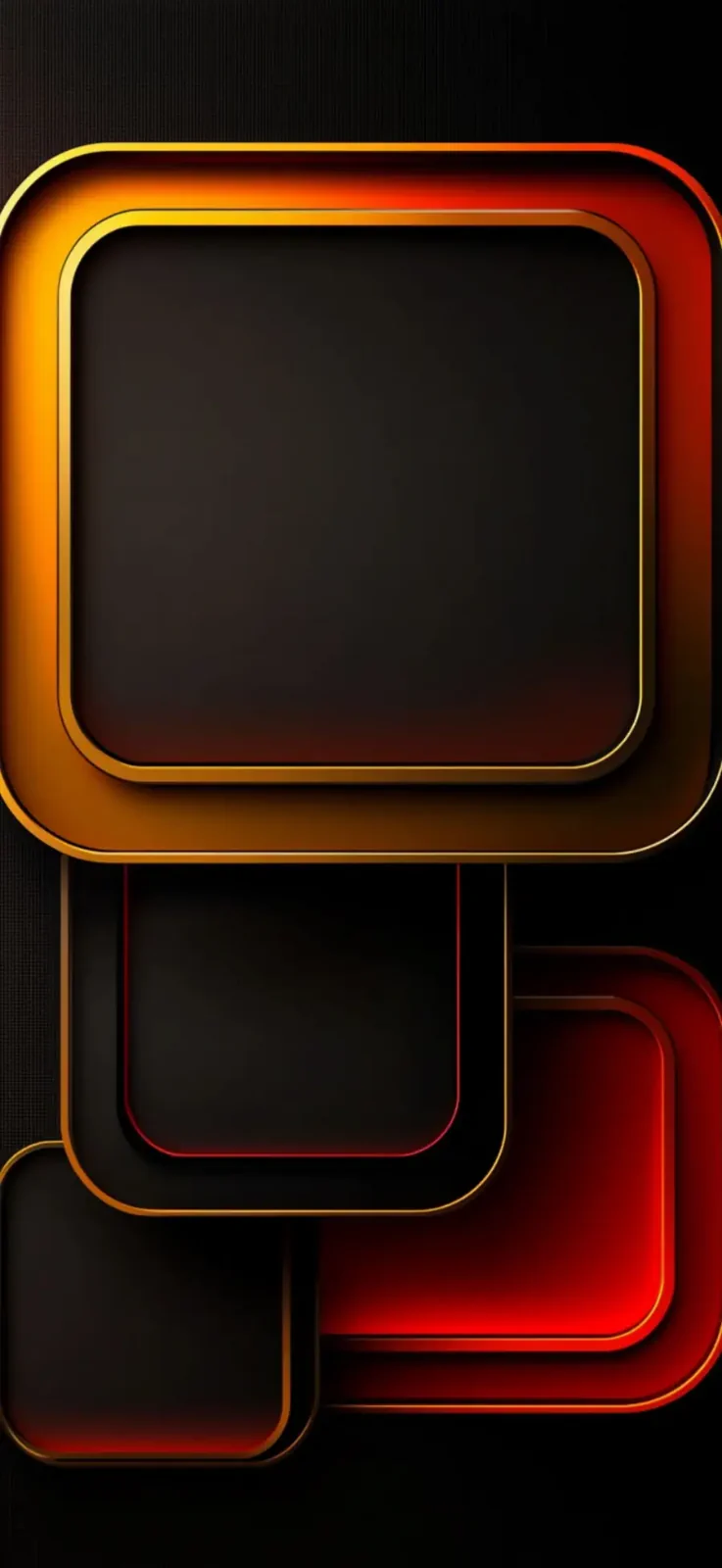
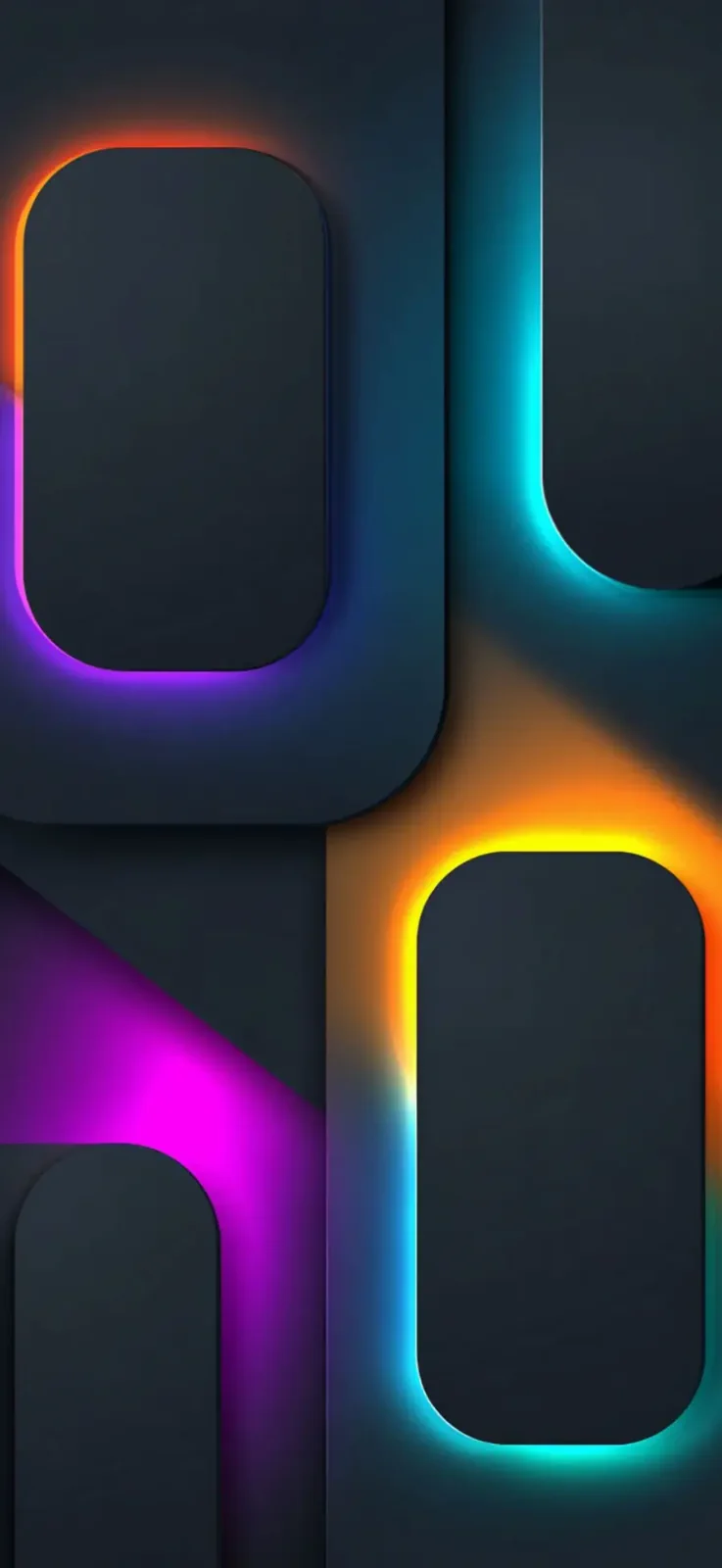
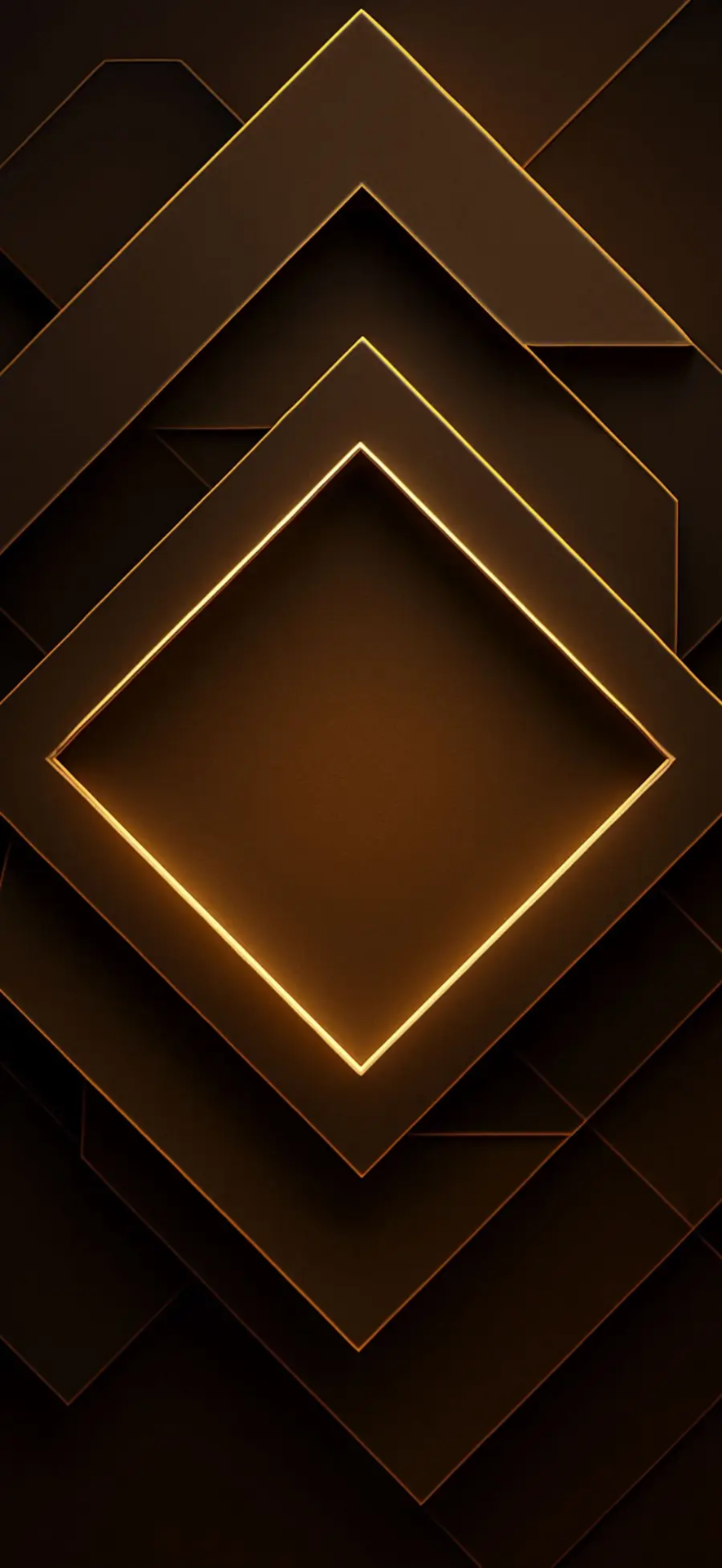
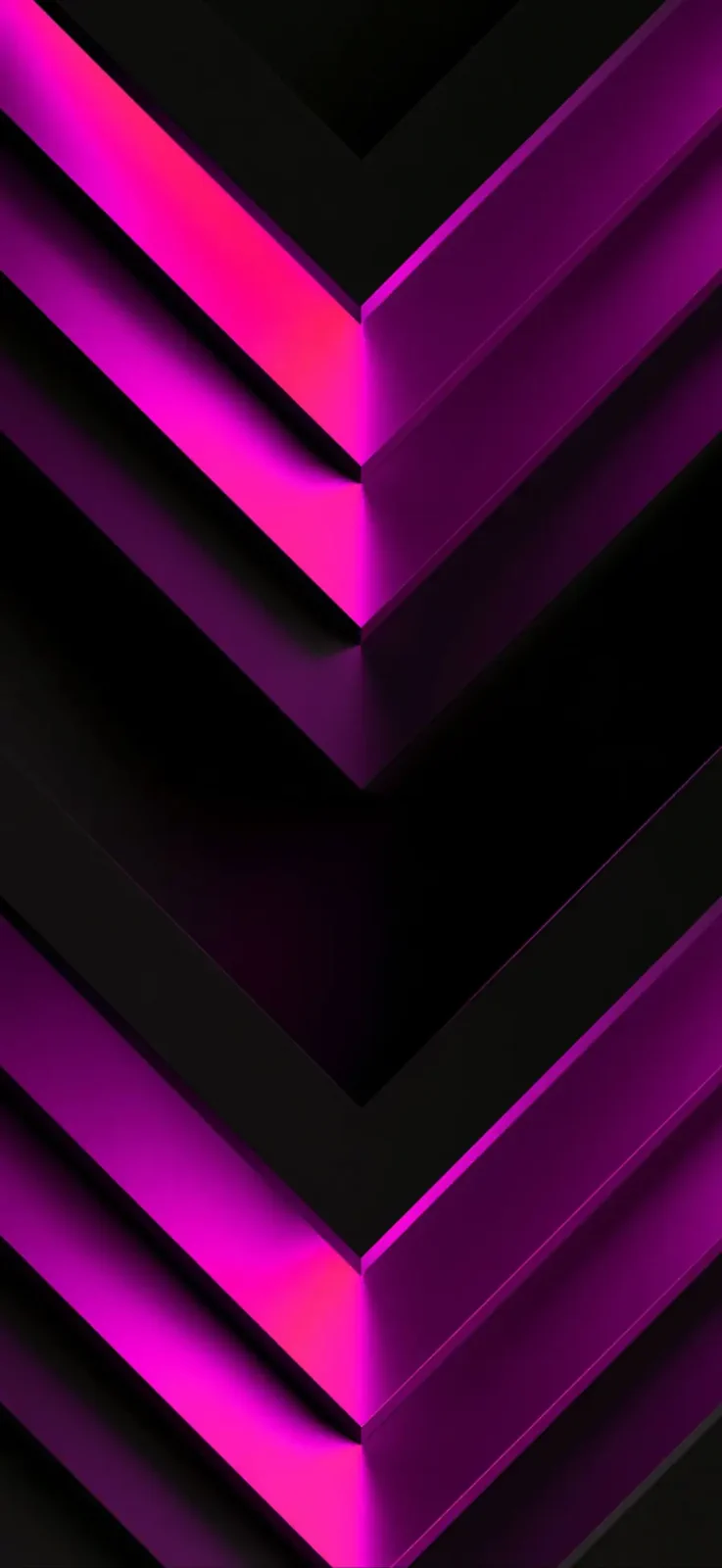
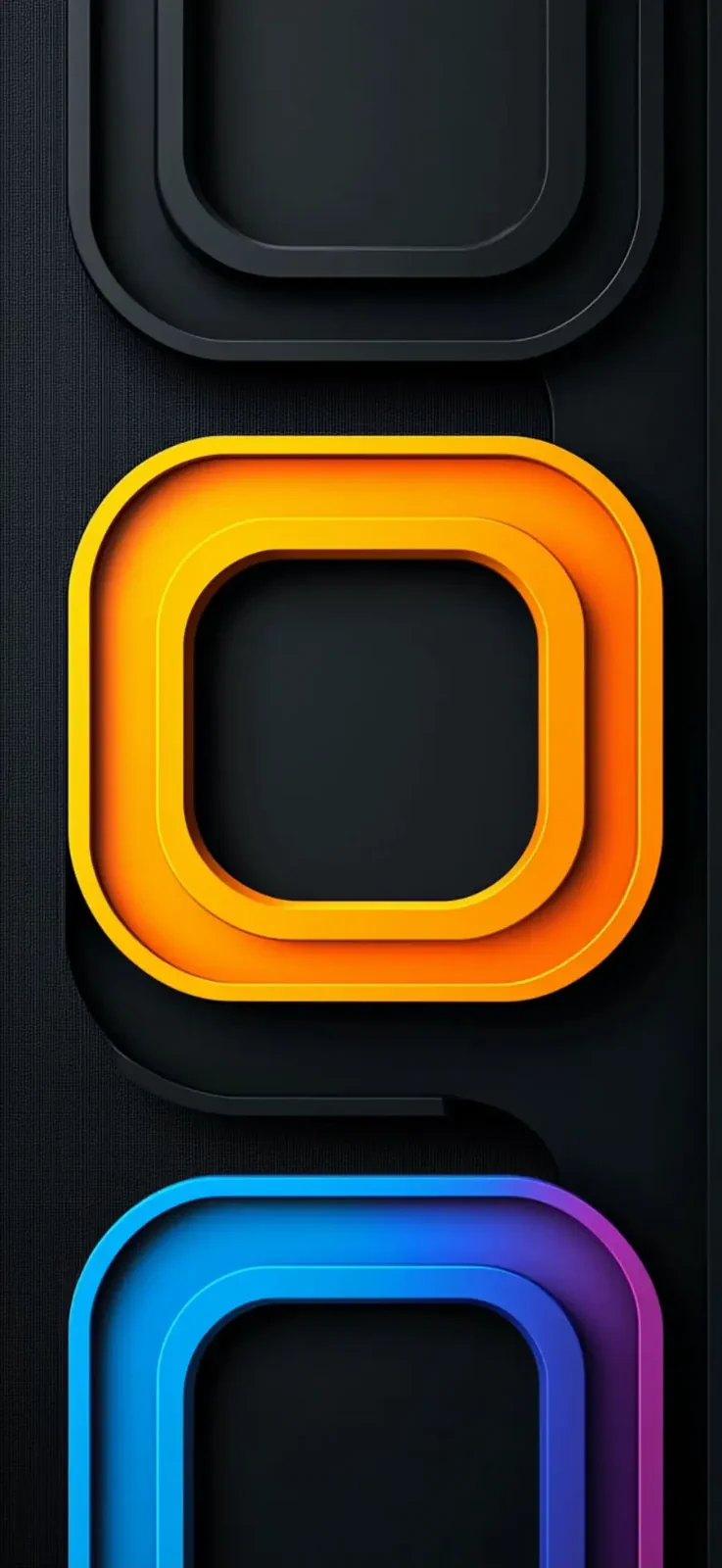
These final wallpapers are great for anyone who wants something different from the usual black-and-red trend. Bronze feels luxurious, purple feels modern and the orange-cyan combinations look especially striking on an OLED panel.
How to set these wallpapers on iPhone 18
- Save the wallpaper image you want to your Photos library.
- Open Settings > Wallpaper.
- Tap Add New Wallpaper.
- Select the image from Photos.
- Adjust the crop so the best part stays visible behind the clock and widgets.
- Tap Set as Wallpaper Pair or customize the home screen separately.
If you want the cleanest final result, do not overfill the lock screen with too many widgets. Most of these wallpapers look best when the central shapes and lighting remain visible.
What makes a good iPhone 18 wallpaper pack?
A good wallpaper pack should give users more than random images. It should offer consistent quality, multiple moods, proper portrait orientation for phones and a style that still looks good once icons and interface elements sit on top. That is why this set works well as an iPhone 18 wallpaper article: the images follow a coherent premium aesthetic instead of feeling disconnected.
Another important point is file efficiency. Large image packages can slow down imports and waste bandwidth. Converting the original JPGs into WEBP keeps the visuals sharp while cutting the total size substantially. That makes the package more practical without ruining quality.
Want to save social media photos and videos too?
If you also want to save publicly available videos, photos and other media from supported social platforms, you can use Vidozo.app. It is designed as a simple social-media downloader for users who want to keep media for personal use, archiving, or reuse when they have the appropriate rights or permission.
The best practice is always to respect the original creator, platform rules and copyright. Downloading a file does not transfer ownership of the content.
PhonesGate take
If you want your iPhone 18 to feel fresher, darker and more premium, wallpapers like these are one of the easiest wins. The collection mixes minimal dark looks, futuristic neon geometry and stronger accent themes without drifting into clutter. That makes it useful for a wide range of iPhone users, whether you want a clean professional setup or a more eye-catching lock screen.
The most important upgrade here is not just the artwork itself. It is the combination of good visual taste, OLED-friendly contrast and practical web optimization. You asked for more images without letting the final package become unnecessarily heavy, and converting them to WEBP is exactly the right move for that balance.
If you want, the next step can be a second companion article such as Best iPhone 18 Pro Max Wallpapers or a more specific post like Dark AMOLED Wallpapers for iPhone 18.