

Huawei phones are still regularly described as “Google-less,” but that phrase has become too simplistic in 2026. The Huawei Mate 80 Pro does not ship with the same native Google Mobile Services framework found on most Android phones, yet the day-to-day app experience is far less limited than many buyers assume.
The important distinction is this: a Huawei phone can offer access to many familiar apps, including popular Google services, banking apps, social platforms, streaming tools and AI assistants, without being a conventional Google-certified Android device.
This PhonesGate editorial explains what using a Huawei flagship is actually like in 2026, where the experience has improved, which compromises remain and who should still think carefully before switching.
Key takeaway
PhonesGate explains whether Huawei phones are still truly Google-less in 2026, using the Mate 80 Pro to examine AppGallery, Google app access, banking apps, AI tools, gaming, battery life and remaining limitations.
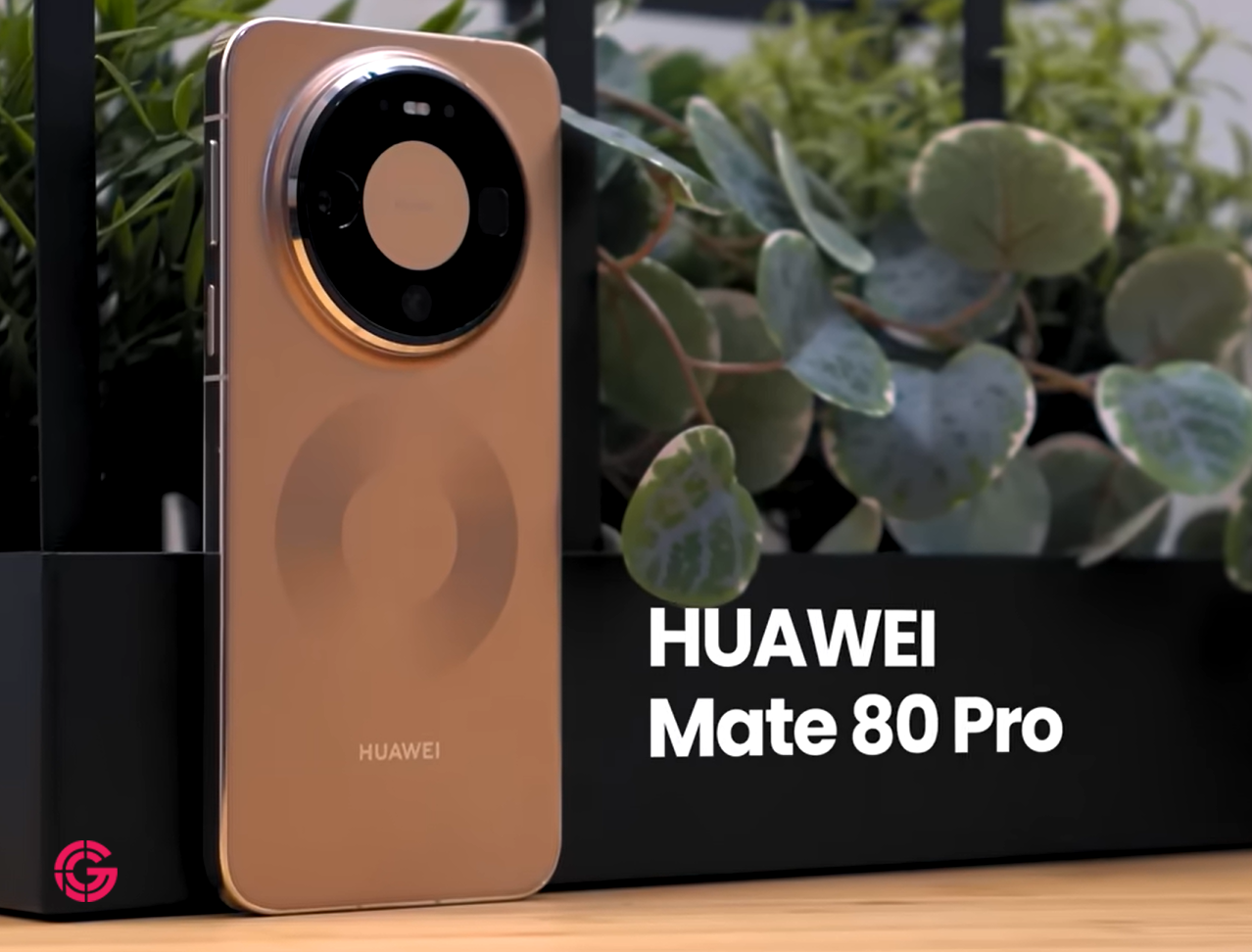
Huawei is not “app-less” in 2026
The old assumption was simple: no Google Mobile Services meant no major apps.
That is no longer an accurate description of the Huawei ecosystem.
10 min read
Google coverage from PhonesGate. Published Jul 26, 2026.
AppGallery has expanded significantly, while Huawei users can also rely on web apps, browser-based services, third-party compatibility layers and alternative installation methods. As a result, many common applications are now available in one form or another.
Typical examples include:
- video and streaming apps;
- email and productivity tools;
- maps and navigation;
- social media platforms;
- banking and payment apps;
- shopping and transport apps;
- AI assistants;
- popular mobile games.
That does not mean every app works identically to the same app on a Google-certified Android phone. It means the practical gap is much smaller than it was several years ago.
The Huawei Mate 80 Pro shows how far the ecosystem has come
The Mate 80 Pro is positioned as a premium flagship with a strong combination of hardware, software, battery life and durability.
The device is designed to prove that Huawei can still deliver a full flagship experience even without relying on the standard Google Mobile Services package.
For many users, the first test is not the camera or display. It is the app installation experience.
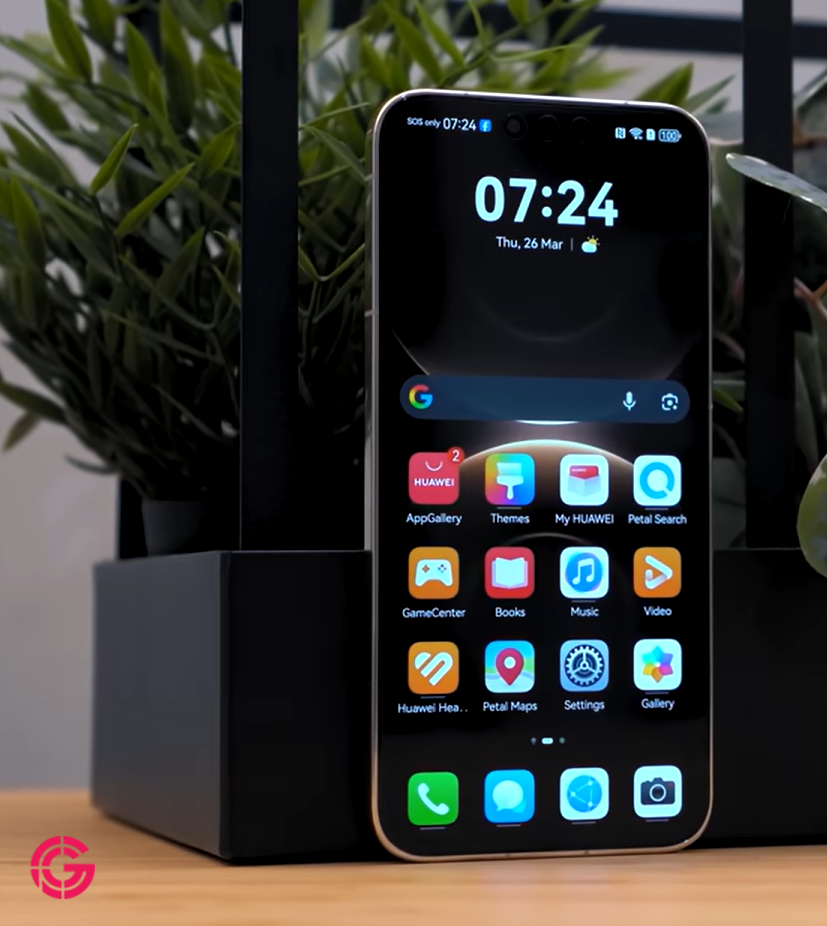
AppGallery now feels familiar
AppGallery has matured into a more conventional app store experience.
The interface is familiar, navigation is straightforward and the installation flow is less intimidating than many first-time users expect.
Popular categories are clearly organized, and users can search for both local and international applications.
The most important improvement is not visual. It is availability.
Google apps can be accessible, but the method matters
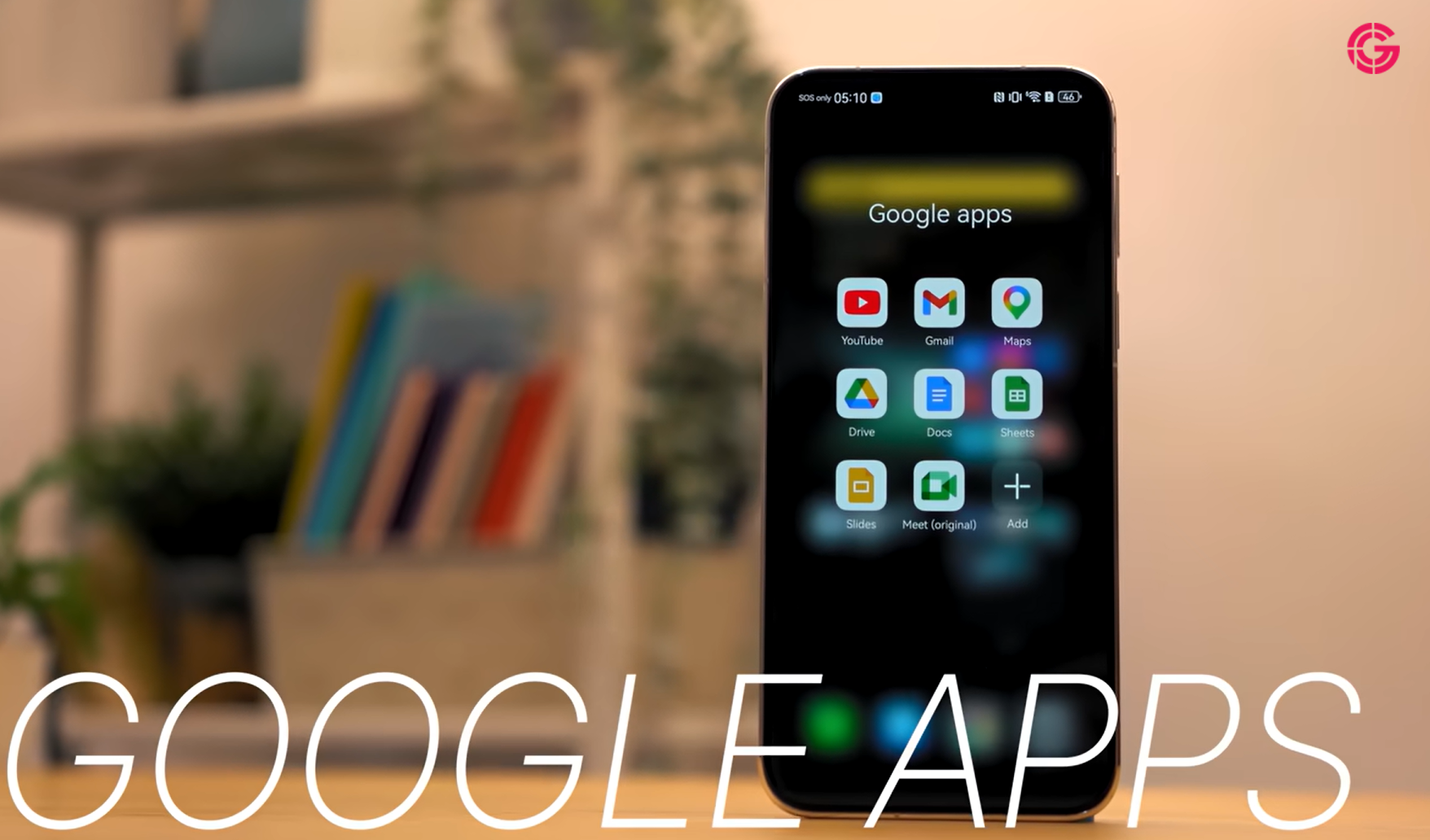
Many Huawei owners can access services such as:
- YouTube;
- Gmail;
- Google Maps;
- Google Drive;
- Google Docs;
- Google Sheets;
- Google Slides.
However, buyers should understand that these services may not always run through the same native framework used on other Android phones.
Depending on the market and device software, access may come through:
- web applications;
- quick apps;
- third-party compatibility environments;
- microG-based implementations;
- browser shortcuts;
- alternative app packages.
This distinction affects notifications, background syncing, account integration, location services and long-term reliability.
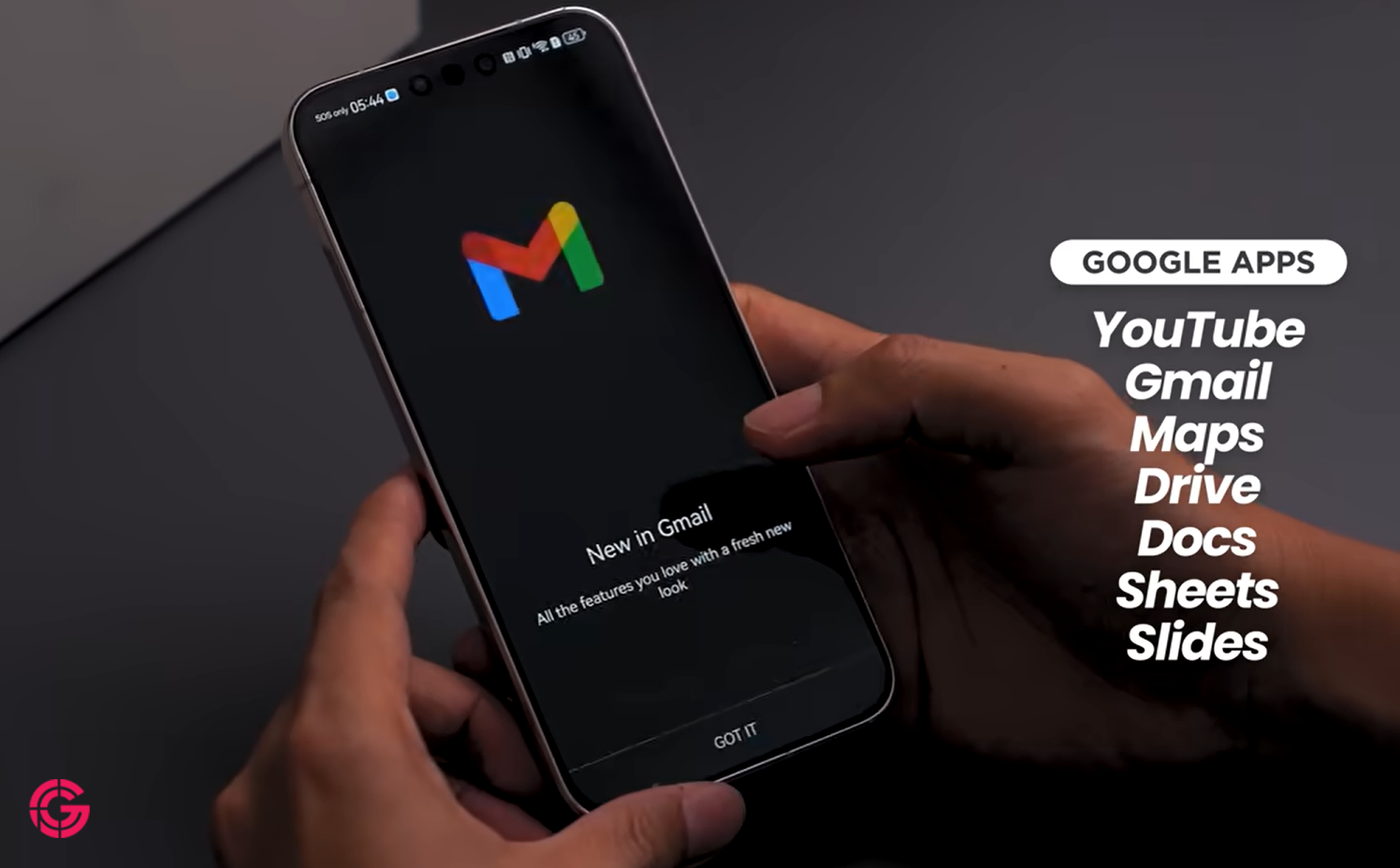
PhonesGate take: “Google-less” is technically true but practically incomplete
Huawei phones still do not offer the exact same native Google Mobile Services environment as mainstream Android devices.
That is a technical reality.
But describing the phones as unusable without Google is no longer fair.
A more accurate description is:
Huawei phones can access many Google services, but often through alternative compatibility methods rather than standard native integration.
That is a much more useful explanation for buyers.
Local banking and payment apps are critical
For many users, banking support matters more than social media or streaming.
A phone can have excellent hardware and cameras, but it becomes impractical if the user's bank, wallet or authentication app does not work correctly.
The Mate 80 Pro experience appears much stronger in markets where local banking apps are available directly through AppGallery.
Before buying, users should verify:
- whether their bank has an official Huawei version;
- whether push notifications work;
- whether biometric login is supported;
- whether contactless payments are available;
- whether SMS verification works correctly;
- whether the app receives regular updates.
This check is more important than assuming that all banking apps will behave the same in every country.
Social media and entertainment are no longer major obstacles
Mainstream social platforms, video services and shopping apps are generally easier to access than they were in the early post-Google period.
For many users, services such as social media, streaming, shopping and transportation now work with little day-to-day friction.
The remaining differences are more likely to appear in:
- notification consistency;
- background refresh;
- account sign-in methods;
- deep links;
- casting support;
- Google-dependent APIs.
AI assistants are part of the modern Huawei experience
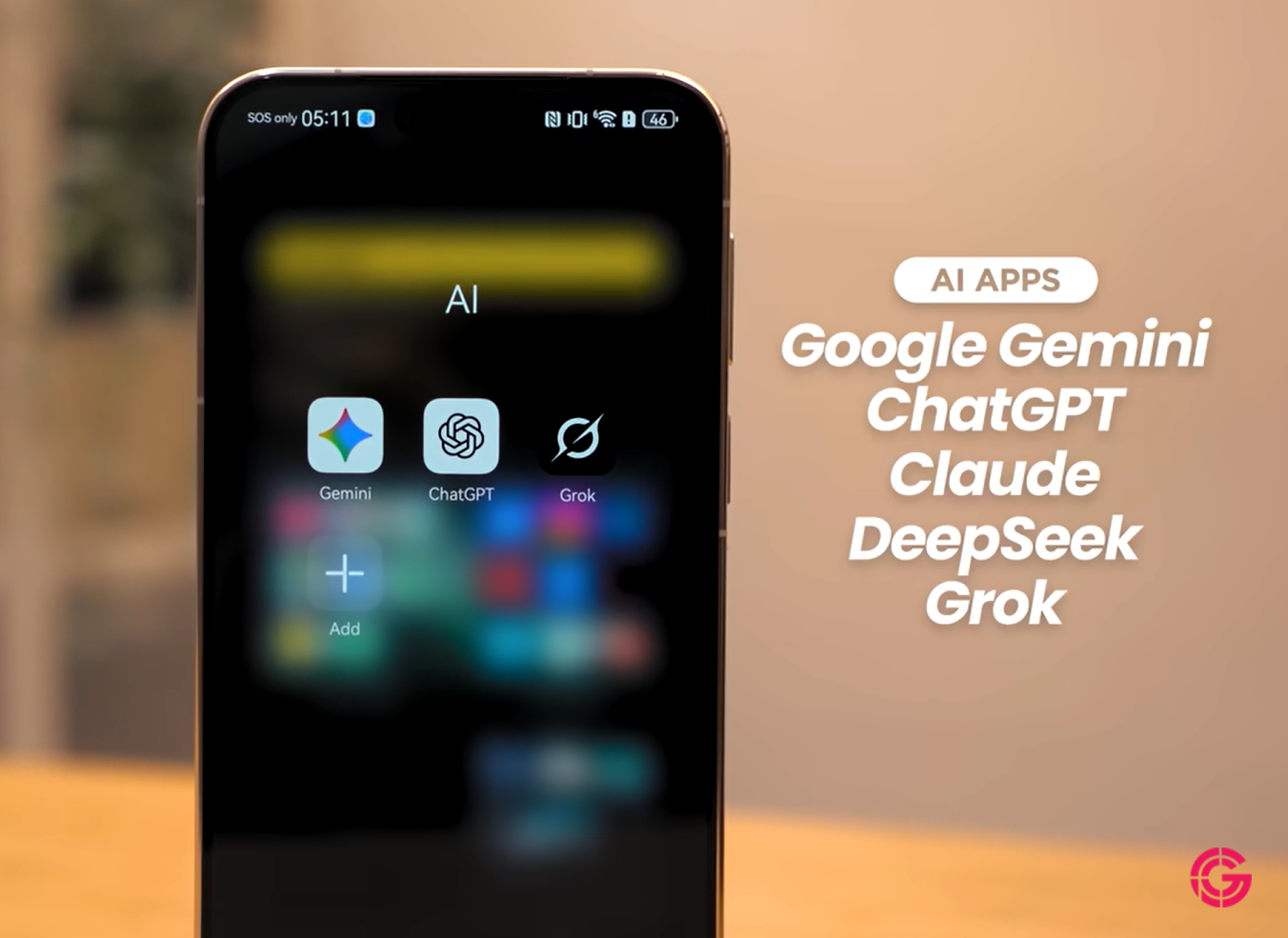
AI applications have become an important part of the smartphone ecosystem.
Huawei users can now access several major AI tools, including conversational assistants and productivity platforms.
This includes services comparable to:
- Gemini;
- ChatGPT;
- Claude;
- other regional AI assistants.
Again, installation and account behavior may vary by region and compatibility method.
Double-tap shortcuts improve everyday usability
The Mate 80 Pro includes programmable shortcuts that can launch a preferred AI assistant or any frequently used app.
A double press of the power button can reduce the time needed to reach:
- an AI assistant;
- the camera;
- a payment app;
- a note-taking app;
- a translation tool;
- a frequently used utility.
This is a small feature, but it helps make alternative app ecosystems feel more integrated.
Gaming performance remains a flagship strength
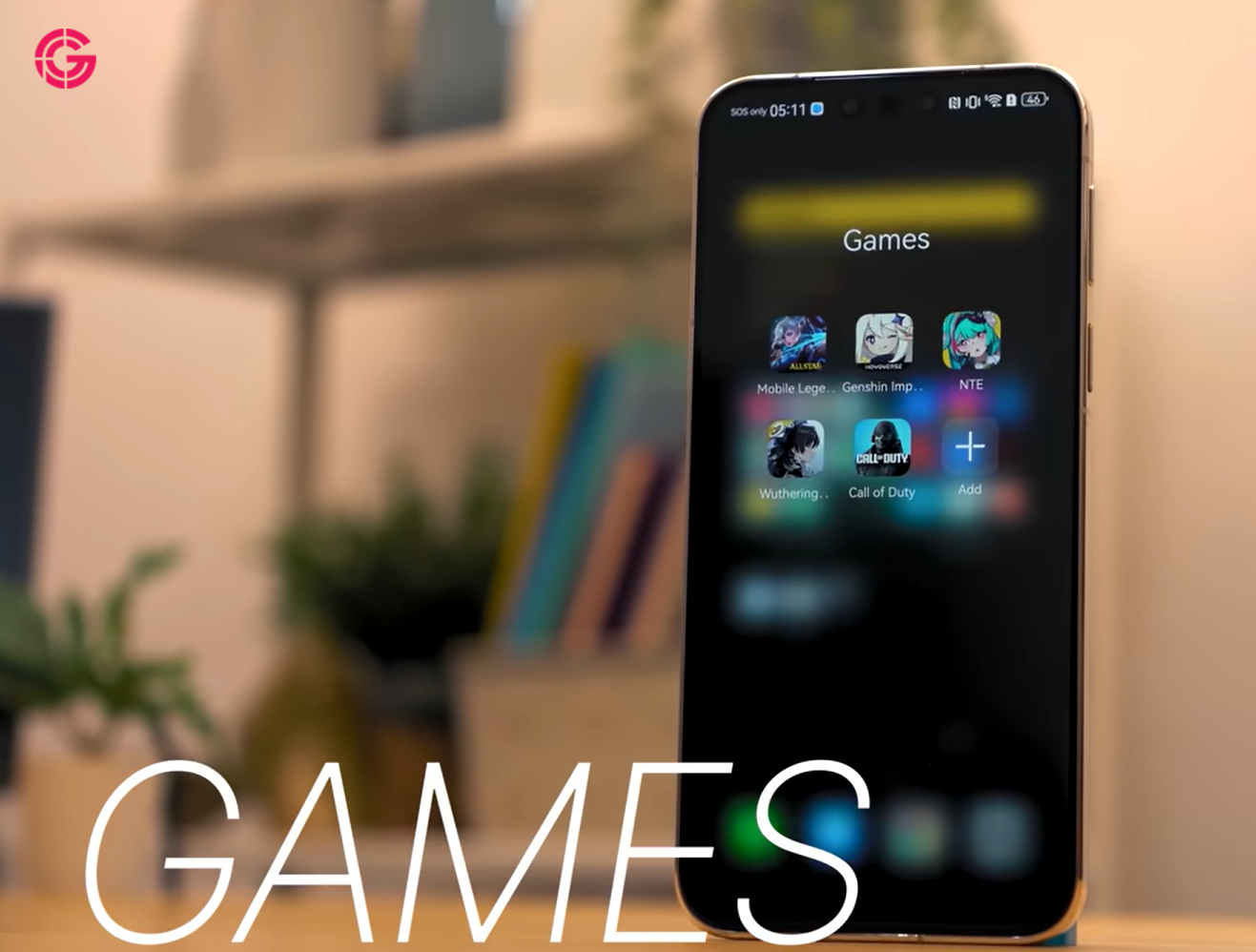
App availability is only useful if performance is reliable.
The Mate 80 Pro is designed to handle demanding games with smooth frame rates and stable thermal behavior.
Popular competitive and graphically intensive titles can run well when they are properly optimized for the device.
As always, game availability and update timing can differ by region.
Battery life may be one of the strongest reasons to consider it
The Mate 80 Pro delivers the kind of endurance expected from a premium Huawei flagship.
Long gaming sessions, streaming, navigation and app testing can still leave enough battery for the rest of the day.
The transcript describes a PCMark battery result of more than 21 hours with charge remaining after the test.
That figure should be treated as a specific test result rather than a universal guarantee, but it supports the broader conclusion that battery endurance is a major strength.
100W charging reduces downtime
The phone supports 100W Huawei SuperCharge.
In ideal conditions, this can recharge the battery from empty to full in under an hour.
Actual charging speed depends on:
- charger compatibility;
- battery temperature;
- device usage during charging;
- regional hardware configuration;
- charging protection settings.
Even with those variables, the charging system is significantly faster than many mainstream flagships.
Security deserves more attention than app count
Having access to more apps does not automatically make an ecosystem secure.
Huawei has invested in AppGallery review systems, malware screening and installation warnings.
However, users should still be cautious when installing applications from unfamiliar sources.
Good security practice includes:
- prefer official AppGallery listings;
- avoid random APK download websites;
- verify the developer name;
- review requested permissions;
- keep the operating system updated;
- avoid granting accessibility access without a clear reason;
- use official banking and payment apps only.
PhonesGate take: compatibility layers are convenient, but they add trust decisions
Compatibility tools can make Google-dependent apps usable, but they also introduce another software layer between the user and the app.
That creates additional questions:
- Who maintains the compatibility layer?
- How is account data handled?
- Does the service receive security updates?
- Will notifications continue working?
- Can the method stop working after an update?
Power users may be comfortable with these trade-offs. Mainstream buyers may prefer native support.
After-sales support is part of the value proposition
Huawei's service-center network remains an important advantage in markets where the brand has a strong retail presence.
Official repair access can be more valuable than buyers realize.
It can provide:
- genuine replacement parts;
- trained technicians;
- warranty-backed repairs;
- battery replacement services;
- screen replacement support;
- official diagnostics.
This matters for an expensive flagship that a buyer may keep for several years.
Huawei Care benefits can improve long-term ownership
Some Mate 80 Pro packages may include premium service benefits such as:
- one year of accidental-damage coverage;
- a free screen protector;
- a one-time battery replacement within a defined period;
- 24/7 online support.
These offers are highly regional and should be verified before purchase.
What still does not work exactly like a normal Android phone
The biggest remaining limitation is not raw app availability. It is ecosystem integration.
Possible differences include:
- Google Wallet support;
- Android Auto compatibility;
- Google backup and restore;
- Play Protect certification;
- Wear OS pairing;
- Google Home integration;
- push notifications that depend on Firebase;
- in-app purchases through Google Play;
- certain corporate device-management tools;
- some location and authentication APIs.
These are not minor issues for every user.
Who can comfortably use a Huawei phone in 2026?
The Mate 80 Pro can work well for users who:
- mainly use popular consumer apps;
- have local banking support in AppGallery;
- are comfortable using web apps or compatibility layers;
- value camera hardware and battery life;
- do not depend heavily on Android Auto or Google Wallet;
- prefer Huawei's hardware and design.
Who should be cautious?
The phone may be a poor fit for users who:
- depend on Google Workspace device management;
- use Android Auto every day;
- need Google Wallet;
- use Wear OS watches;
- require guaranteed Firebase notifications;
- rely on Play Store subscriptions and purchases;
- want a fully native Google-certified Android experience.
Before buying, run this checklist
- Check your banking app.
- Check your payment method.
- Check your navigation and car integration.
- Check your work or school apps.
- Check your smartwatch compatibility.
- Check notification behavior.
- Check your preferred AI assistant.
- Check local warranty and repair coverage.
This simple checklist is more useful than asking whether Huawei phones “have Google.”
Frequently asked questions
Do Huawei phones have Google Play in 2026?
Huawei phones still do not generally ship with native Google Play Services and Google Play Store certification in the same way as standard Android phones.
Can Huawei phones run Google apps?
Many Google services can be accessed through web apps, compatibility tools, alternative packages or microG-style implementations. The experience may not be identical to native Google Mobile Services.
Does YouTube work on Huawei phones?
Yes, YouTube can usually be accessed through the browser, web apps or compatible app solutions, depending on the device and region.
Can Huawei phones use Gmail?
Gmail can be accessed through the web, email clients or compatibility solutions. Push notification behavior may vary.
Do banking apps work on Huawei phones?
Many banking apps work, especially where official AppGallery versions are available. Buyers should verify their specific bank before purchasing.
Does the Huawei Mate 80 Pro support fast charging?
The transcript describes support for 100W Huawei SuperCharge, which can significantly reduce charging time.
Is AppGallery safe?
Official AppGallery listings are generally safer than unknown APK sources, but users should still verify developers, permissions and update history.
Is the Huawei Mate 80 Pro worth buying?
It can be a strong choice for users who value flagship hardware, battery life, cameras and Huawei's ecosystem, provided their essential apps and services are supported.
PhonesGate verdict
Huawei phones are still not conventional Google-certified Android devices.
That has not changed.
What has changed is the practical impact.
In 2026, the Huawei Mate 80 Pro can provide access to a broad range of apps, including popular Google services, AI assistants, banking apps, social platforms, games and productivity tools.
The ecosystem is no longer empty, and the phone is not unusable.
However, buyers should not confuse broad app access with full native Google integration.
The key issue is no longer, “Can this app be installed?”
The better question is, “Will this app work reliably, securely and with every feature I need?”
PhonesGate's conclusion is that calling Huawei phones simply “Google-less” is outdated. They remain Google-independent at the system level, but the app experience is now far more complete than the label suggests.